
The Coros Pace Pro smartwatch is packed full of features, but can it replace a cycling computer as your primary navigational tool? For years, Spencer Harding only reached for his Wahoo or Hammerhead when exploring unfamiliar routes. Now he’s wondering if GPS mapping and turn-by-turn directions can get off his handlebars and be confined to his wristwatch. Find out if this new technology is a game-changer or not quite ready for primetime below…
You may notice that the word “review” is absent from the title of this article. Defying the SEO demands was necessary in this case, since this isn’t a proper review of the Coros Pace Pro. I’m interested specifically in whether a GPS smartwatch can replace my cycling computer.
Cycling computers, much like the smart watch they will be pitted against in this article, are bloated with so many features and facets that I don’t give a shit about. Some proper computer nerds may be able to tell you everything about training, efficiency, and how many live Strava segments you can win when using the latest and greatest cycling computer. I really don’t care for 90% of those features. I prefer a riding experience unencumbered by screens and devices. When someone handed me a Hammerhead Karoo 2, I was so excited because I could turn all the noises off and sleep the screen between navigation notifications. You can also play Doom on it (lol).
I have historically used my cycling computer only when I need to navigate an unknown route. This use case can easily be replaced by a phone, but I have found phones are rather inefficient for the task, namely due to a lack of battery longevity.
Could the latest crop of smartwatches with GPS stand in as a navigation device? Long story short: yes. I found the Coros Pace Pro to be a very capable navigation device for my casual navigation needs.
Coros Pace Pro Quick Hits
- $350
- Standard 22 mm band size
- 1.3-inch AMOLED touchscreen
- Claimed 38 hours of GPS activity tracking
- Claimed 20 days of daily use and sleep tracking
- Advanced optical heart rate and SpO2 (Blood Oxygen) monitor
- Global maps with turn-by-turn navigation
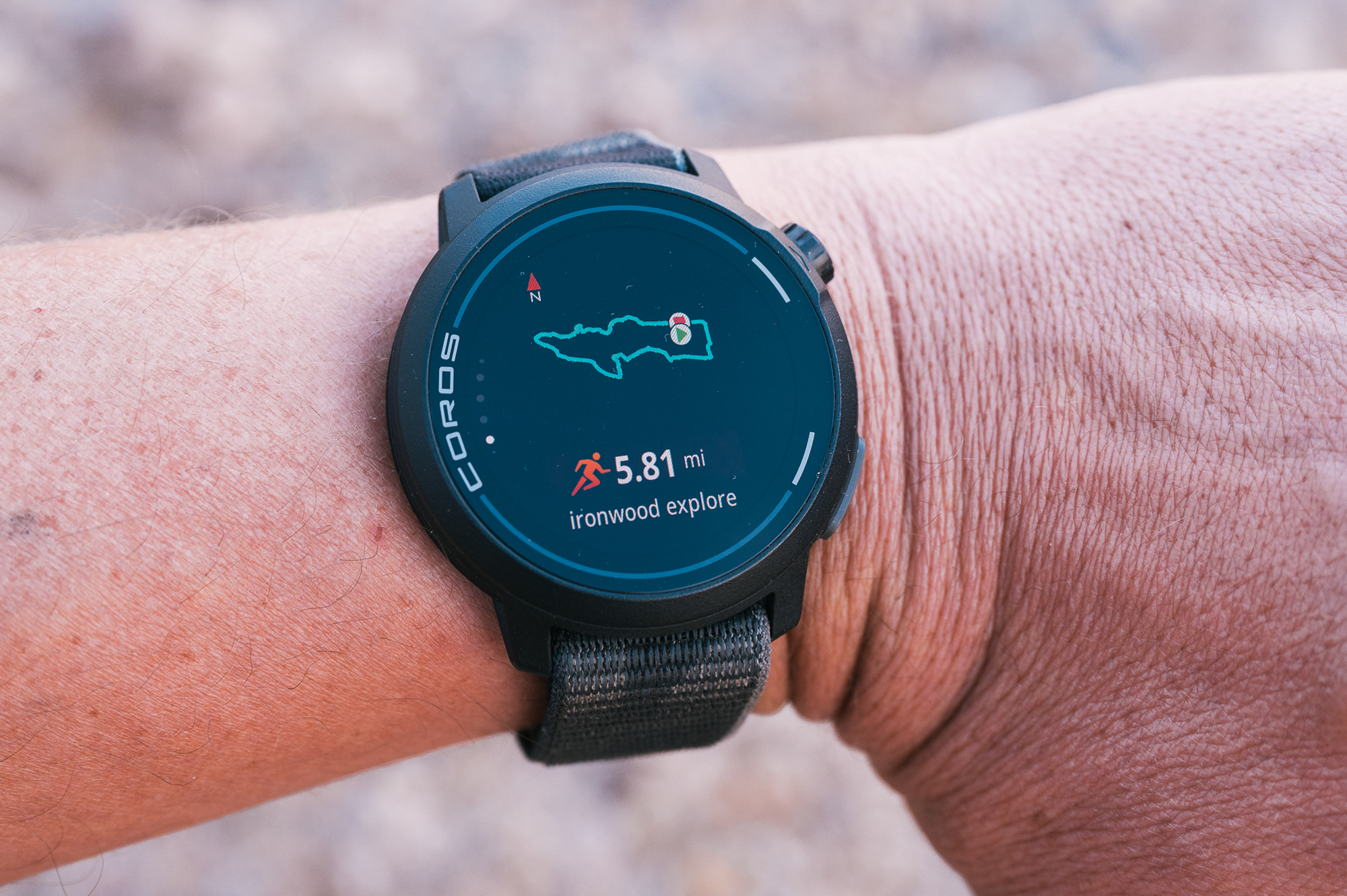
Getting A Map On the Coros Pace Pro
To start, you’ll need a GPX route file. I typically use Ride With GPS to create my routes, but there are a myriad of apps and programs that can generate the GPX file you need. You will need to save that file to your phone. I have an iPhone, so I just Airdrop it from my computer or export it directly from the RWGPS app. I open the file with the Coros app, which saves the route to my account and then asks to sync the route to my watch. It is not as simple as the automatic syncing I found with my Wahoo cycling computers, but about the same amount of work as loading a route on my Hammerhead Karoo.
Navigating on the Coros Pace Pro
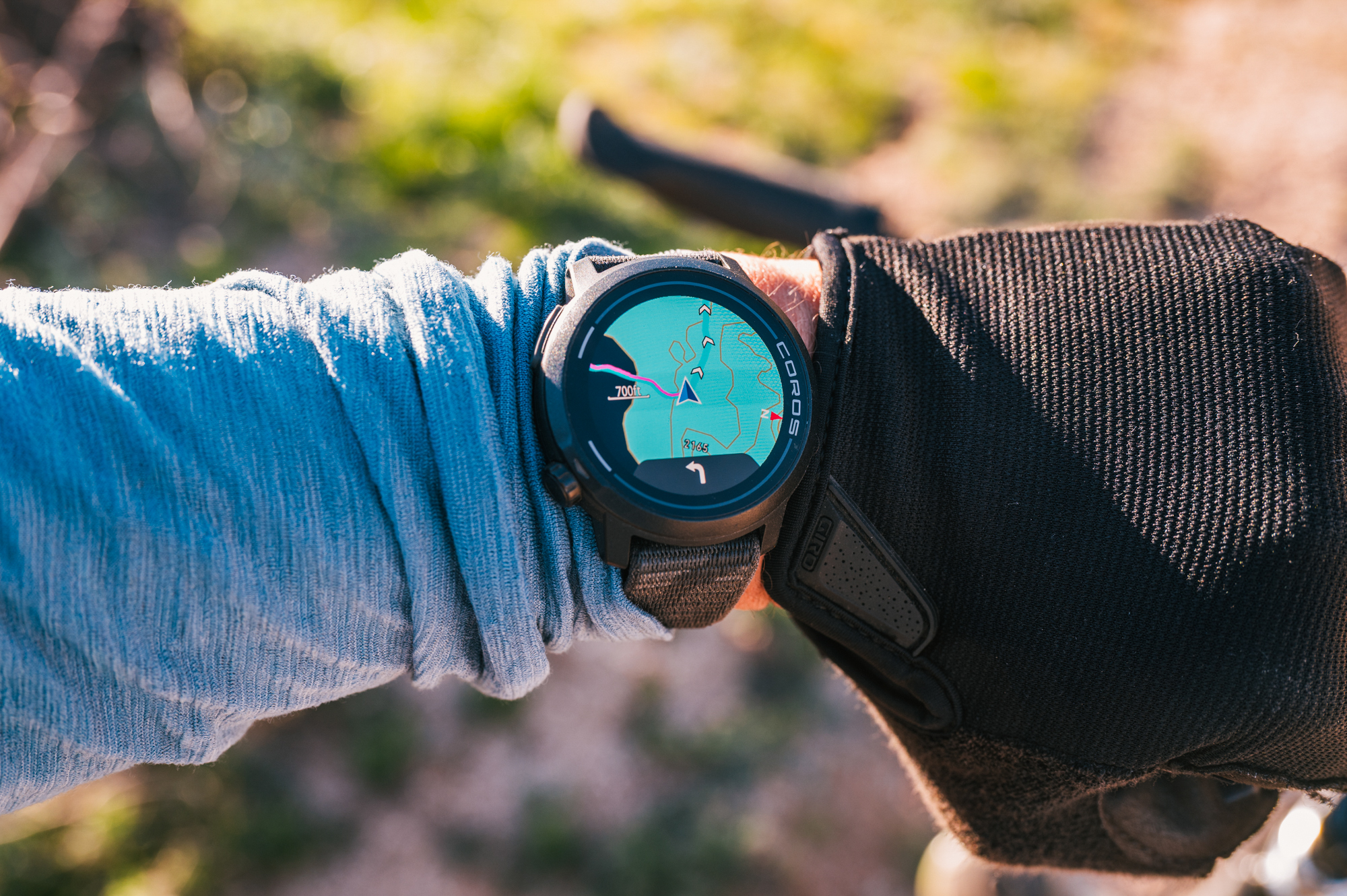
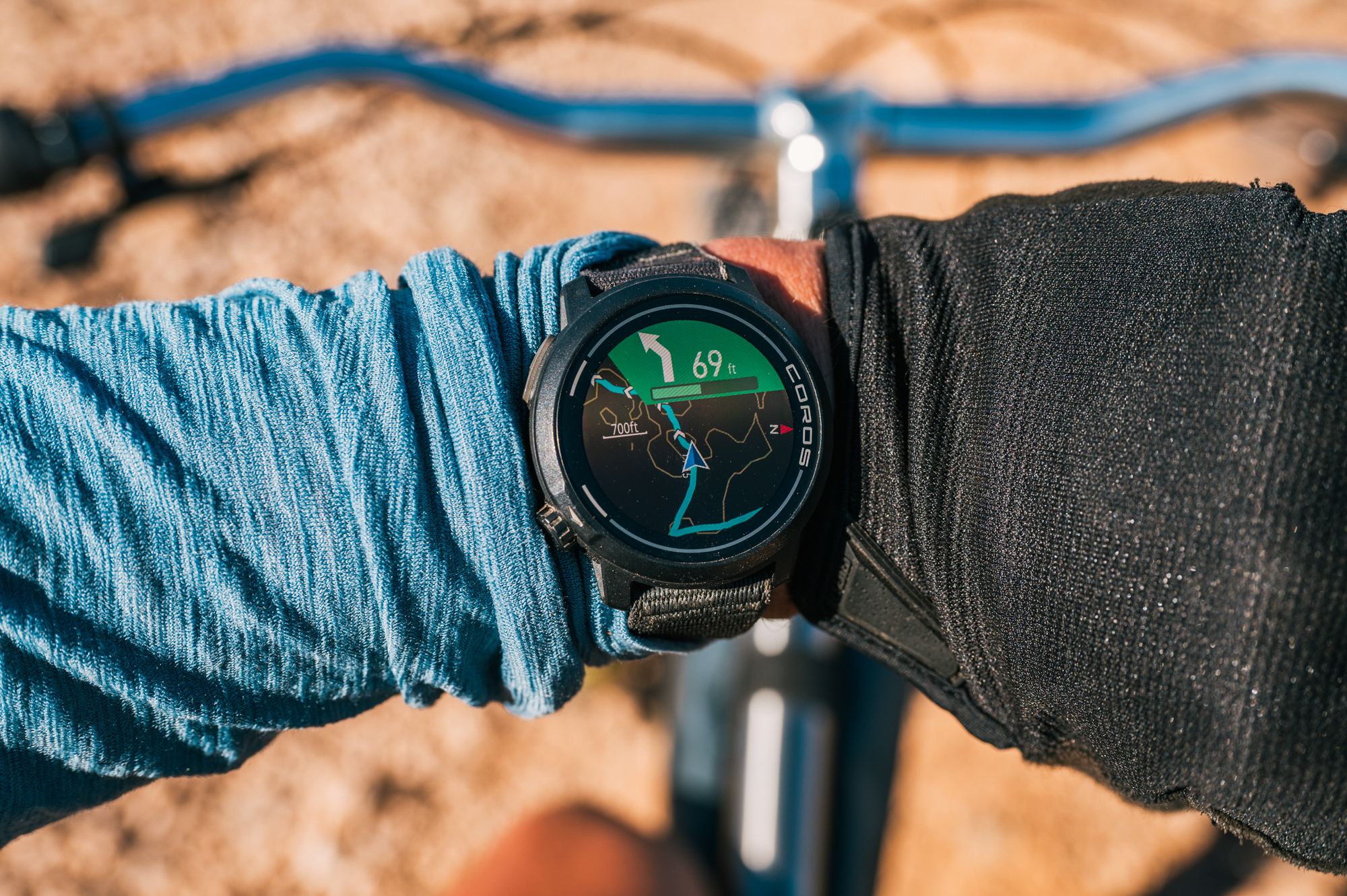
Once the route is loaded, you simply select the route you want to navigate on the watch and wait for it to acquire a GPS signal. The base map on the watch is a very simple topographic map with tan elevation lines and a blue line for your route. This is where one of the few issues I had comes into play. For some reason, the base map has large sections of blue color. Coincidentally, the route line is a very similar shade of blue. You can see why using a blue line on a blue map might be a problem. This was usually only an issue for very short sections of riding, but it seemed like an oversight for a watch with a full-color screen.
The watch will do turn-by-turn navigation and give you a little buzz when you have a turn coming up. Much like my phone notifications, I sometimes miss the buzz in the fray of riding and everything, but the buzz was usually a sufficient reminder. If you do get off course, the watch will let you know, and you can pan/zoom the map with a click of the knob on the side of the watch. Being able to pan/zoom the map was one of the main features I had hoped for on my Wahoo Roam, something sorely missing from the device.
I found it quite simple to release my grip on my handlebars and raise the watch so I could read the face and thus the navigation. Occasionally, this was unsafe; in those circumstances, I would stop moving and actually take a close look. I’m not usually very concerned with speed or efficiency, but this is a case where having a bar-mounted cycling computer is better than the watch. I tried mounting the watch on my handlebars, but without the motion of raising my wrist to check, the screen stayed in sleep mode, and I would have to manually wake it, nullifying any benefit.
The second issue with navigating on the Pace Pro was the aforementioned knob on the side of the watch. I was originally using the watch with the selection knob oriented on the right side of the watch (worn on my left wrist). In this orientation, the knob would get turned by my wrist movement while riding, scrolling the screen away from the navigation page to other, less relevant data. I tried so many options to keep this from happening, toggling a screen lock, which still allowed for the knob to scroll data screens, which was incredibly frustrating. I created a custom activity setting that only had a map data screen, but even this forced me to also have a secondary elevation screen when navigating a route. Finally, a friend who had a similar watch said, “Just flip the screen orientation so the knob would be on the other side of the watch”. I felt so stupid, even moreso when the simple task still took 30 minutes of scrolling menus to get sorted. Since flipping the orientation of the watch face, my issues have disappeared. I still really wish locking the screen muted input from all the buttons.
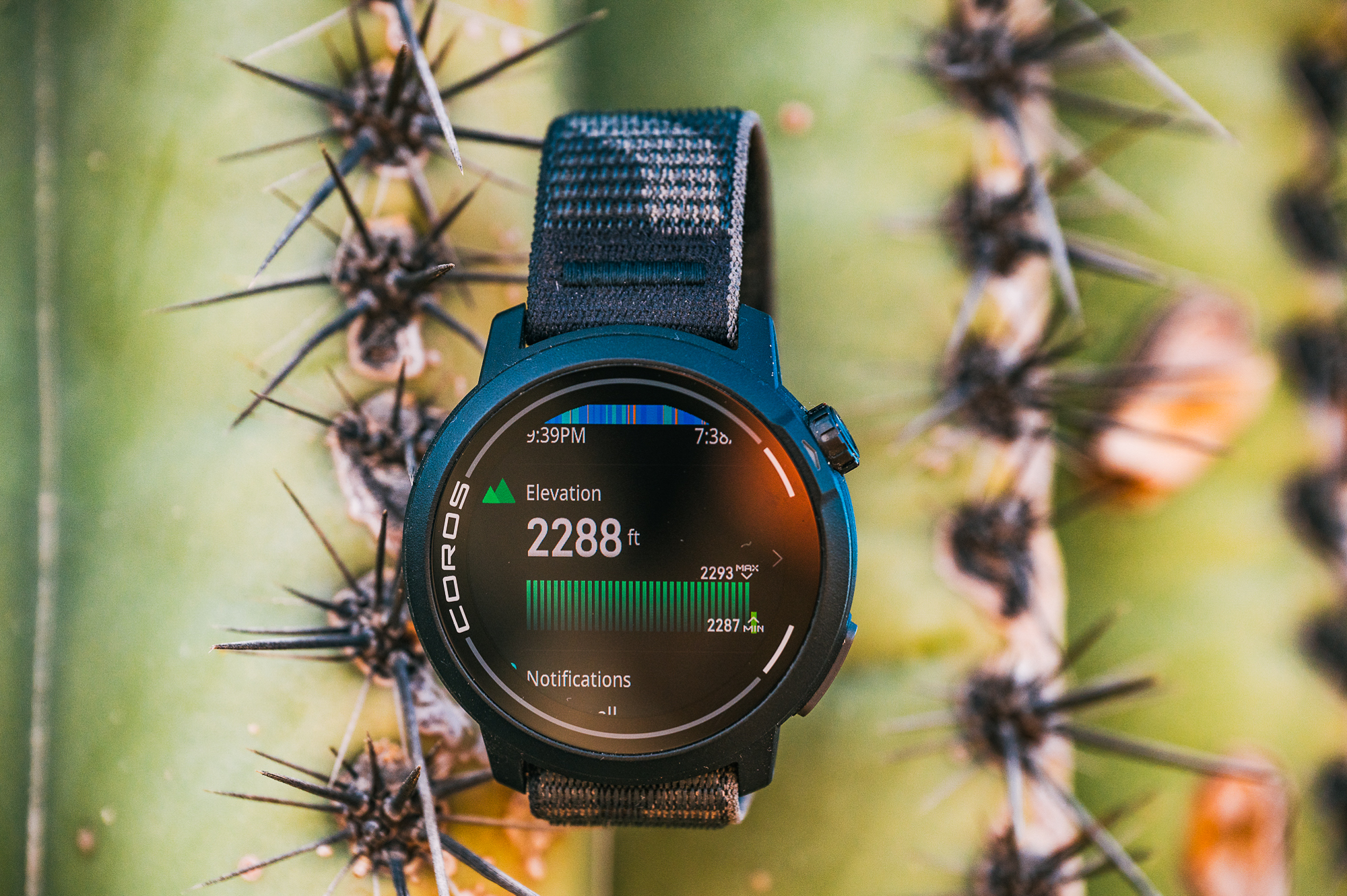
Coros makes some stunning claims about the battery life of its watches and devices. For the Pace Pro, I found the claims to be justified. I have recorded and navigated a full two-day bikepacking trip on a single charge with battery to spare. The watch screen sleeps and then wakes when you raise your wrist. I’m sure the jostling of mountain biking wakes the watch more often, as it would confuse the accelerometer. Outside of navigating with GPS, the watch has astounding battery life, easily making it through a week or more without charging with day-to-day use.
Speaking of charging, the Pace Pro comes with a small dongle that can connect via USB-C to any charger you probably already have. The dongle is proprietary, of course, but no need to have a specific cable to charge your watch. They even make a small keychain holder for the dongle so you can easily have it with you.
Can the Coros Pace Pro Replace Your Cycling Computer?
For me? Yes, it has replaced my cycling computer almost entirely. The only time I reach for my Karoo is for navigation-intensive routes in the city. For any bikepacking or MTB ride, I just wear the Pace Pro. On top of the navigational capabilities, the Pace Pro is more functional in my day-to-day life for tracking other fitness and phone/text notifications. The watch can track your sleep as well, but I hate having quantifiable data on how poorly I slept after a bad night’s rest.
The Pace Pro is loaded with features for all sorts of training across more sports than I can list. The watch can extrapolate an immense, suspiciously so, amount of data from your heart rate alone. I’m not going to even try to scratch the surface of the depths this watch is capable of, simply because they aren’t relevant to me.
If you want a smart device to navigate on your bike rides but want something more functional than a dedicated cycling computer, check out the Coros Pace Pro.
Pros
- Similar price to a cycling computer with more day-to-day functionality outside of cycling
- Mapping works well enough
- Very slim and lightweight
- Incredible battery life
Cons
- The twist dial spins while wearing
- Locking the screen doesn’t lock the knobs and buttons
- Too many metrics
- Almost too many options to navigate