
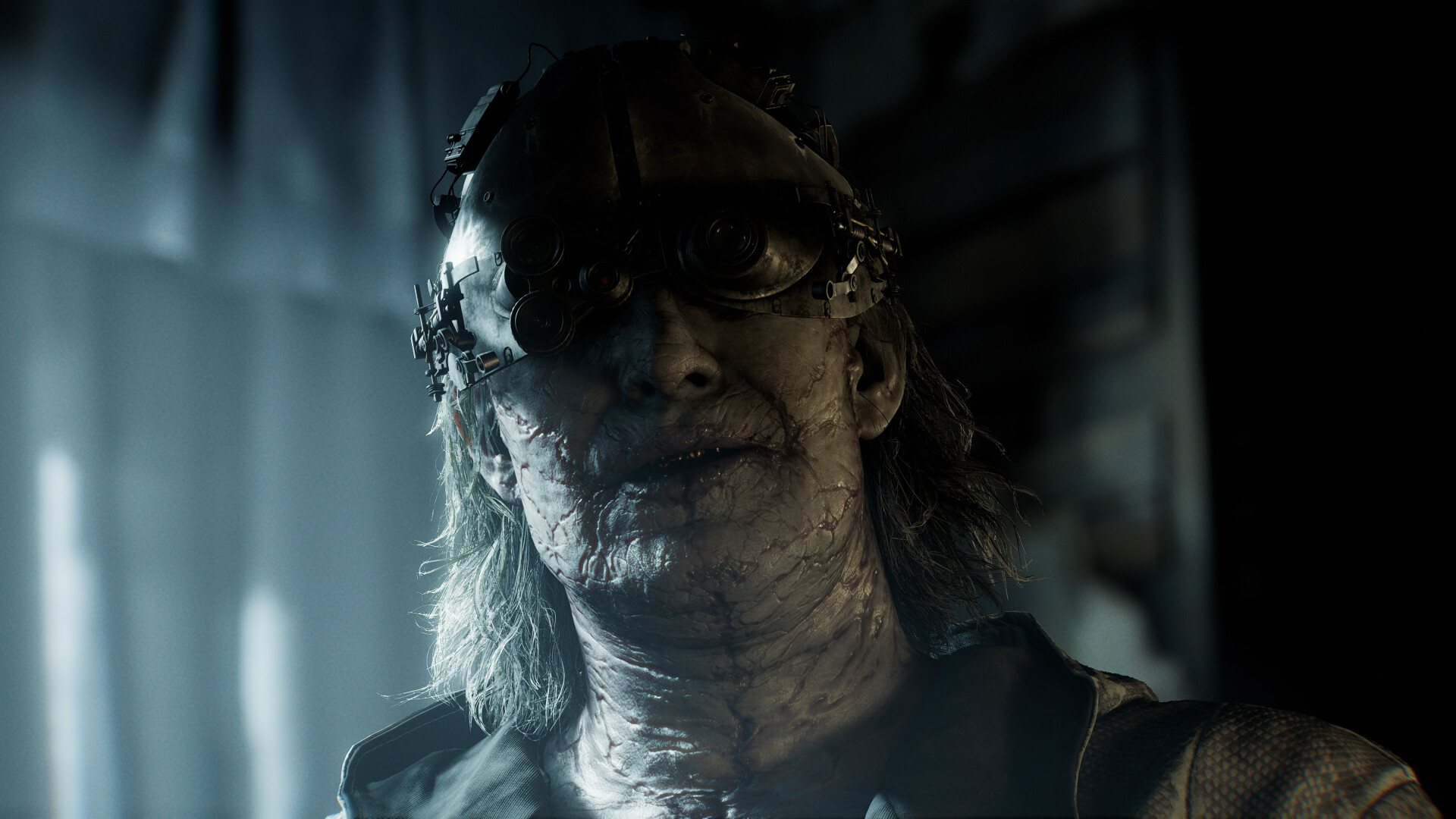
What are the best Resident Evil Requiem mods available to download right now? The new survival horror game from the masters at Capcom is still in its infant days, but players already are hard at work, and here we’ll be collecting our favourite mods for it.
- Last updated: March 27, 2026
On top of game-changing modifications and graphical upgrades, we’re also keeping tabs on Resident Evil Requiem cheats and console commands, and if you simply need a bit of help with its safe codes and other puzzles, we’ve got you covered too. You can check out all our guides coverage and more via our Resident Evil Requiem game hub.
Of course, if you haven’t purchased Capcom’s latest survival horror hit yet, you can do so through the Humble Store here should you want to support our continued work at Game Watcher.
New Resident Evil Requiem Mods This Week
Dead Space Outfit lvl3 by 4Koddda (Character Skin Mod)
A replacement of Leon’s default outfit. The author warns there are some visual issues in certain early cutscenes, but it’s fine otherwise. Who can say no to another horror legend joining the fight against infected and mutants?
Remove Photo Mode Limitations by NSACloud2 (Cheat Mod)
Following the release of the game’s official photo mode, modder NSACloud2 has managed to crack it wide open, allowing players to use without restrictions and even during cutscenes.
Mai outfit Grace FBI (Street Fighter) by Giraldi1 (Character Skin Mod)
This simple character skin mod gives Grace a replacement of her FBI outfit based on Mai Shiranui’s (King of Fighters) iconic costume as seen in Street Fighter 6.
Trending Resident Evil Requiem Mods
REFramework (Requiem tested) by praydog2 (Essential Mod)
Modding tool/framework with a powerful scripting API using Lua. It includes a ReShade crash fix, Ultrawide, FreeCam, Timescale, FOV, and tools for script/mod developers. Most mods require this to be installed.
REQUIEM ULTIMATE TRAINER by larcencial (Cheat Mod)
A simple cheats trainer with infinite health, one-hit kills, infinite ammo, and more. It only requires the previous installation of the REFramework utility.
No Film Grain by asdt123123 (Visual Mod)
A simple visual mode that disables the film grain effect on RE Requiem through REFramework. If you want to gain visual clarity across the board, this is the way to go until Capcom allows players to disable the effect.
Resident Evil Requiem Essential Mods & Install Guides
REFramework by praydog2
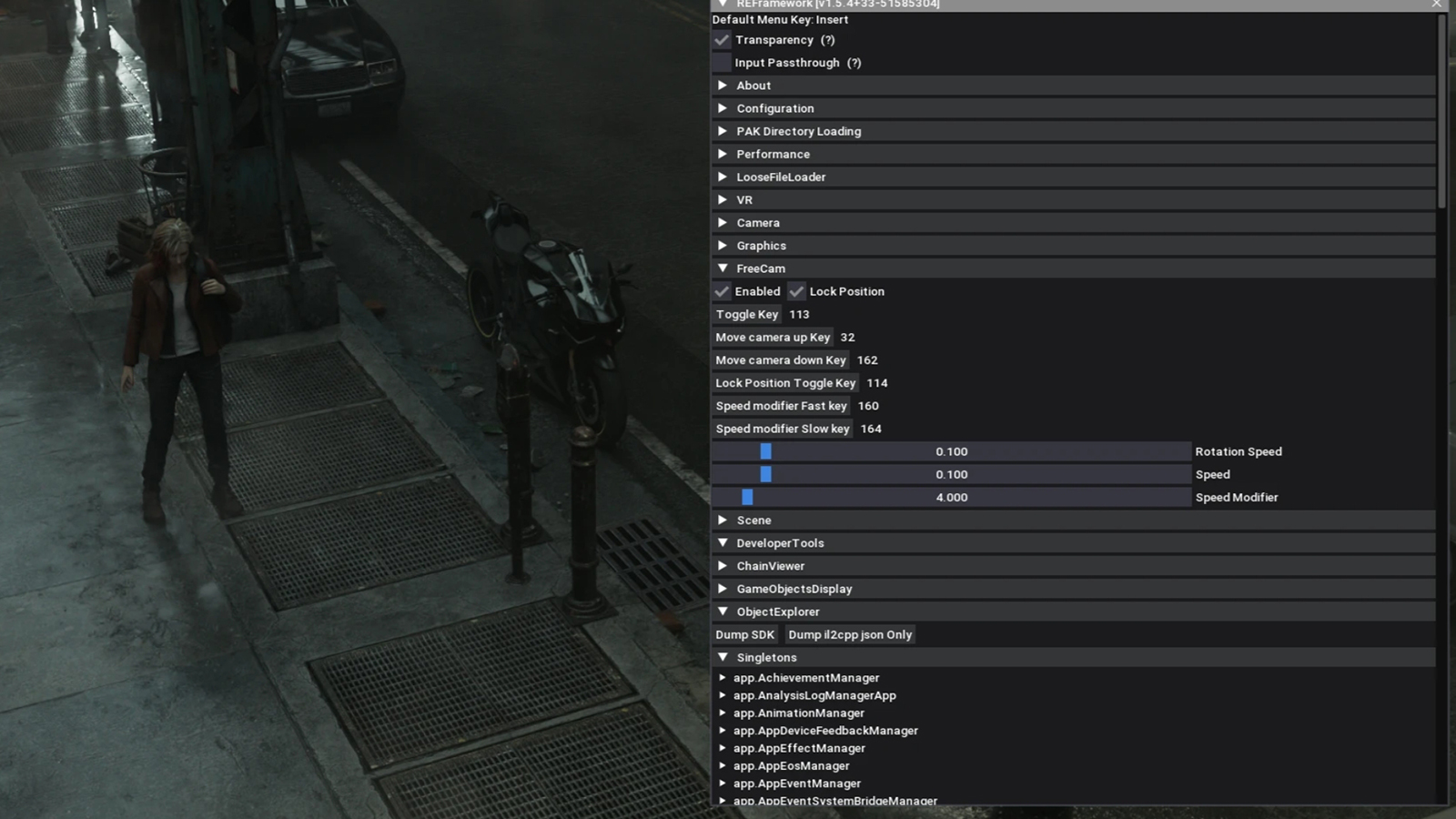
This is the first mod tool you should download if you’re looking to install RE Requiem mods. Though the average user won’t need to tinker with all it offers, it’s crucial to making any really solid RE Engine mod work.
Install guide:
“To install, simply extract dinput8.dll from the zip file into your Resident Evil Requiem game install folder.
You can open the menu with the Insert key.
Scripts can be installed in the “reframework/autorun” folder. Plugins can be installed in the “reframework/plugins” folder. Loose DLL files with no REF functionality can be loaded in here too.
If REFramework cannot access the current game directory for any reason, all of its files will then be used from “%APPDATA%/REFramework” instead. Scripts and plugins will need to be placed in there instead.
To uninstall REFramework temporarily, simply remove the dinput8.dll file from your game directory.
To completely remove it along with ALL mods, you will need to delete the reframework folder, re2_fw_config.txt, re2_framework_log.txt, and reframework_crash.dmp as well (if it exists).”
Fluffy Mod Manager by FluffyQuack
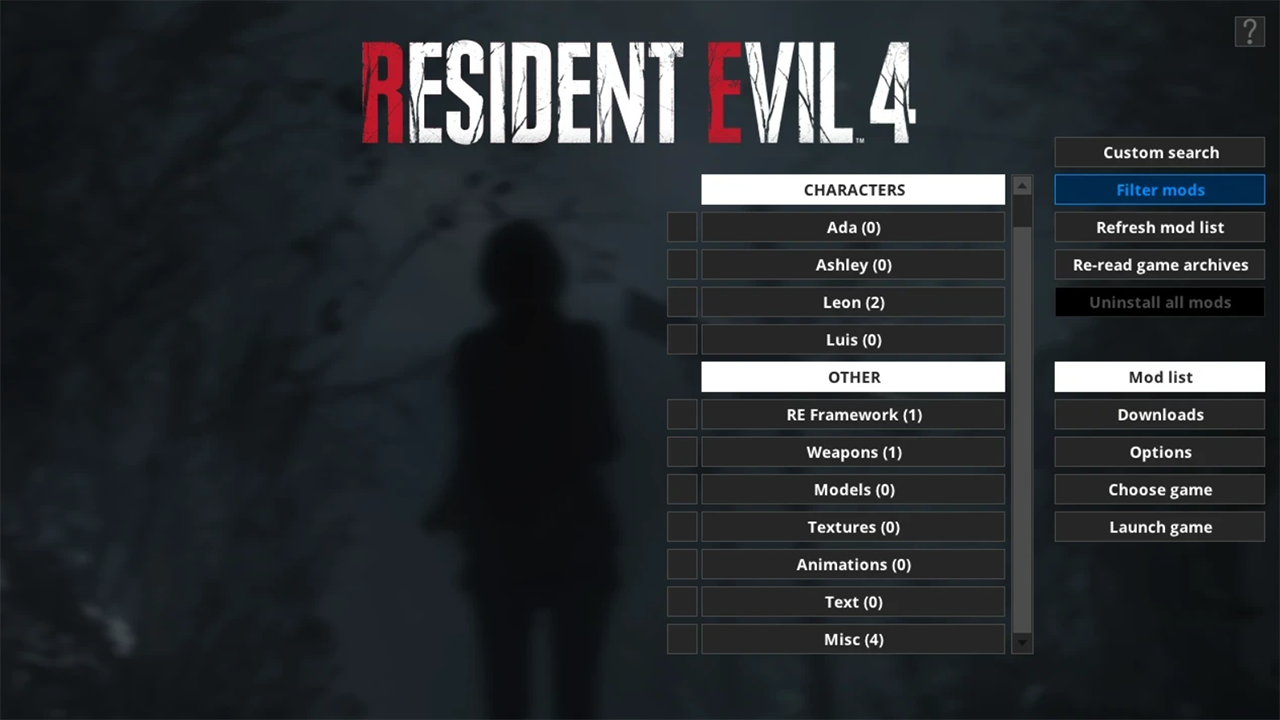
Originally designed for previous modern Resident Evil games, this mod manager which automatically backups original files and helps with mod installation is being regularly used for RE Requiem mods. Don’t skip it.
Install guide:
“Extract the mod manager anywhere (if you’re upgrading from an old version, simply extract it over the older version).
Run the mod manager once and choose Dragon’s Dogma 2 as game.
You can drag’n’drop mods in PAK format onto the mod manager window while it’s running to copy them to the mod manager OR manually copy mods to “[modmanager]\Games\DragonsDogma2_Chara\Mods”
Click on mods in the mod list to install them. Click again to uninstall.”
Resident Evil Requiem Visual & Performance Mods
FOV Fix by BlueCookieWookie
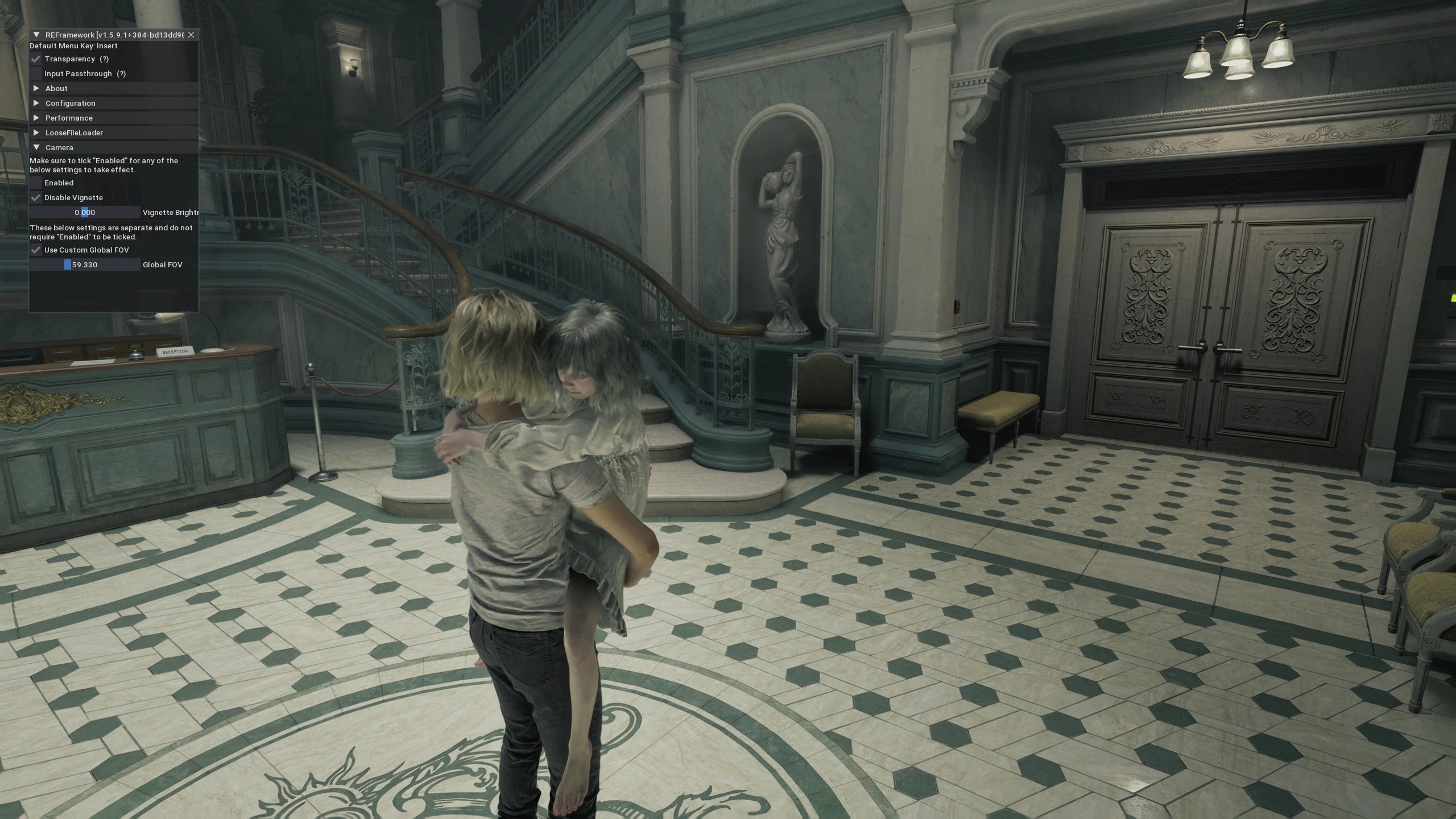
The default field of view in RE Requiem is quite narrow, which may induce nausea in certain players. Fortunately, this quick mod is here, letting players adjust the FOV slider.
RenoDX – HDR Fix for Resident Evil Requiem by MusaQH
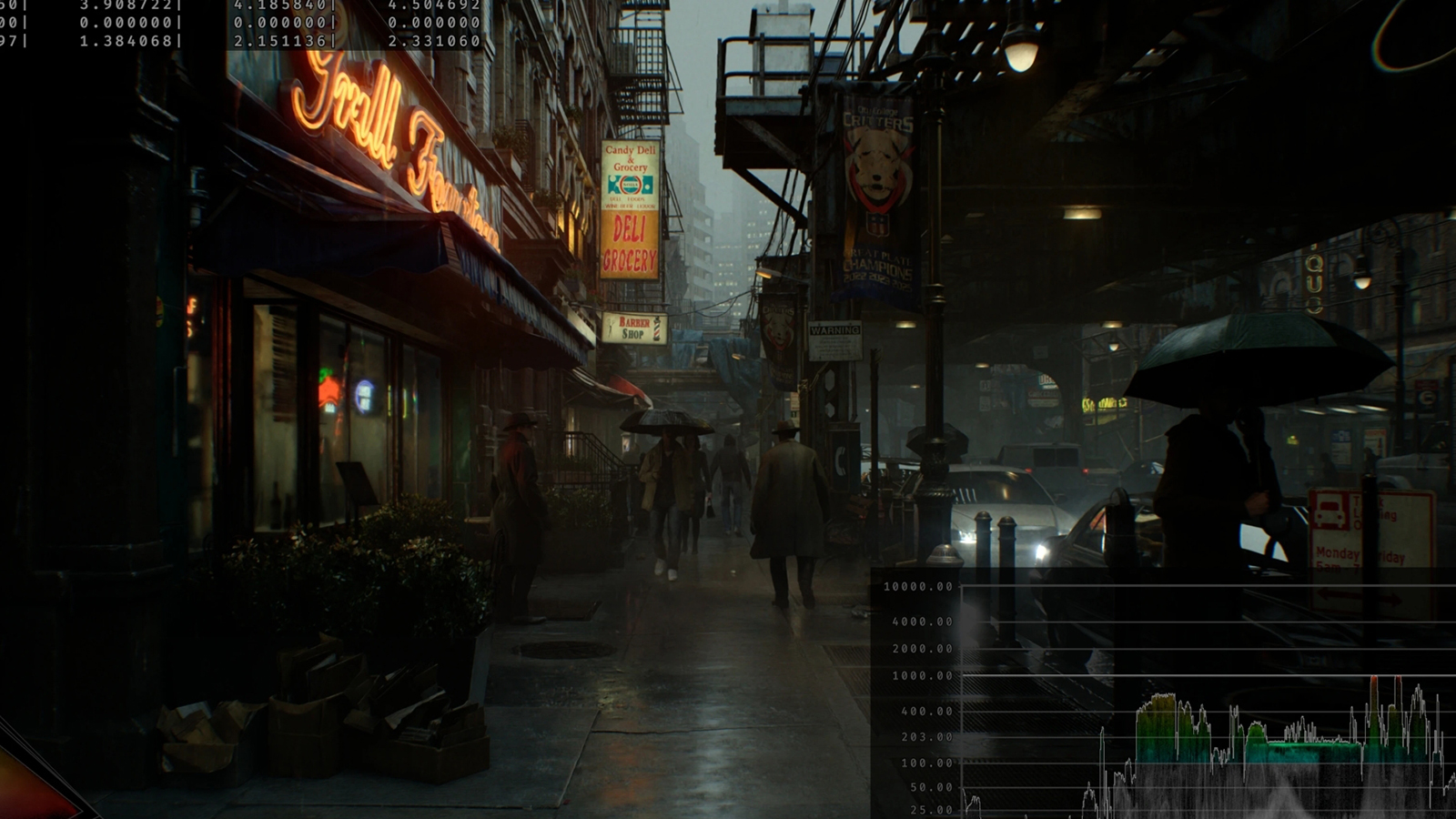
A custom rewrite of the game’s “post processing shaders to fix errors in handling of HDR.” Its modular, with certain fixes and settings having individual on/off options.
More intense Flashlight and Lighter by lucablight83
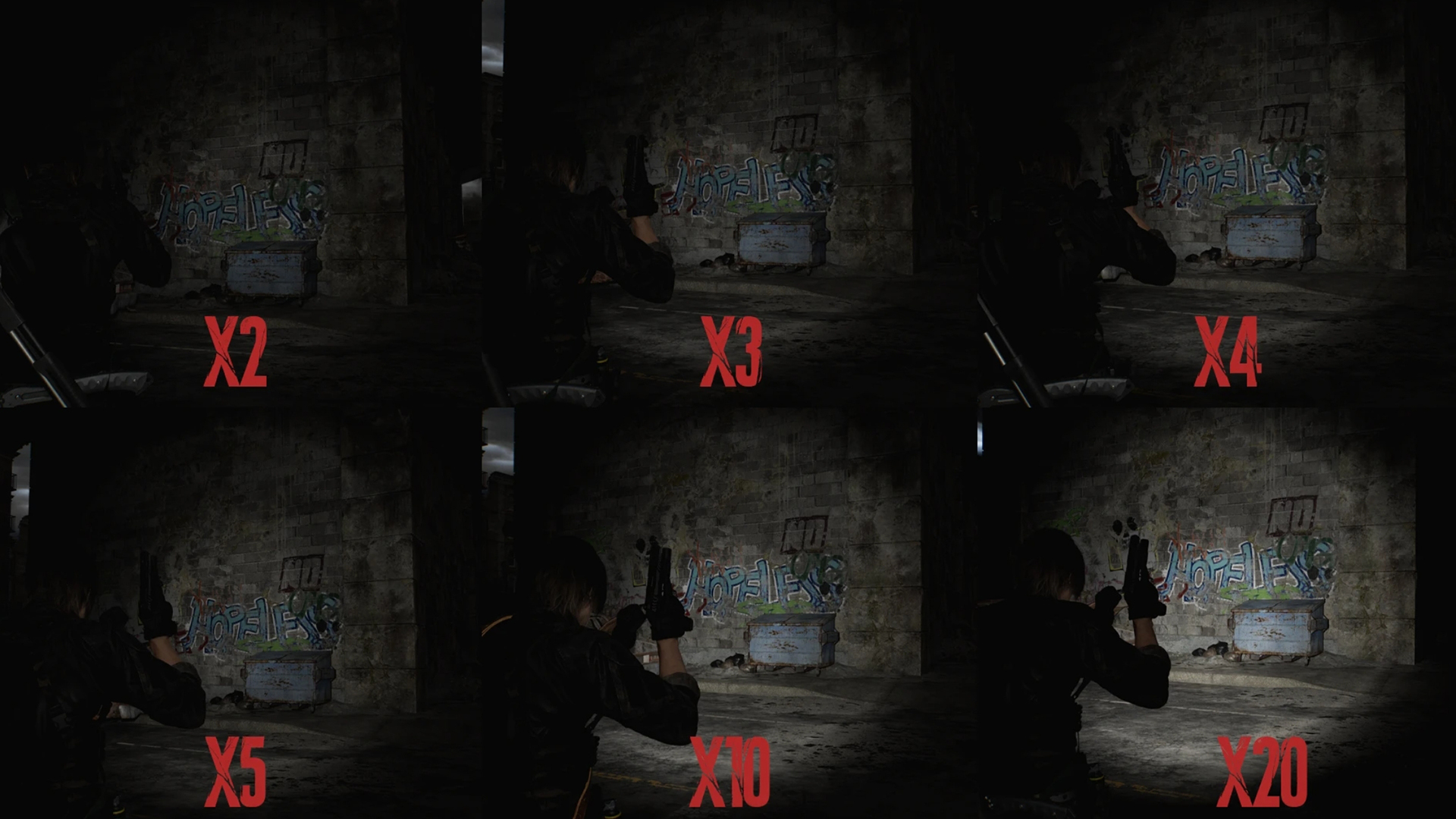
A much-needed boost to the lighting intensity of lighters and flashlights in the game. Several options are available.
No Film Grain by asdt123123
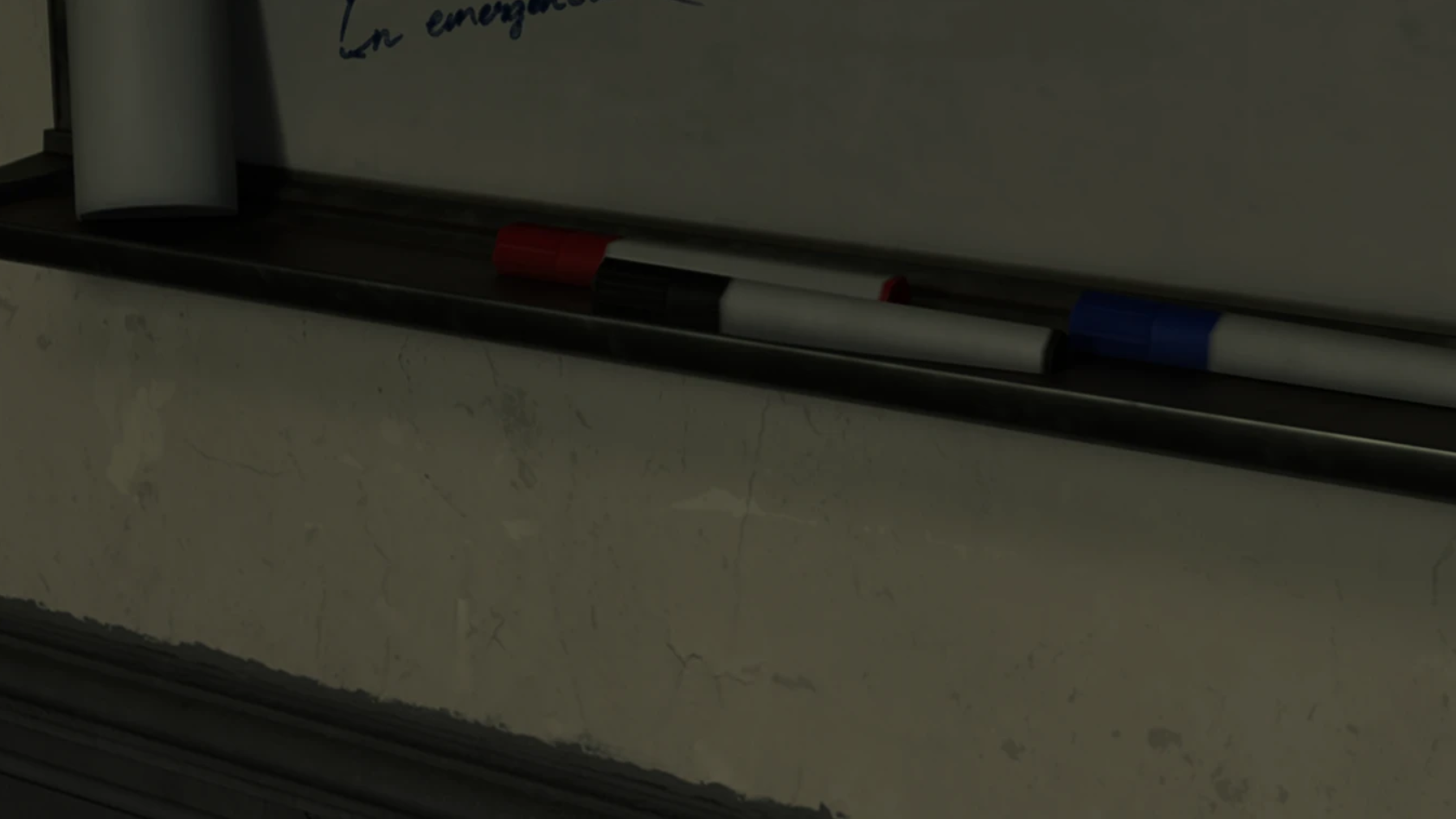
A simple visual mode that disables the film grain effect on RE Requiem through REFramework. If you want to gain visual clarity across the board, this is the way to go until Capcom allows players to disable the effect.
Resident Evil Requiem Gameplay Mods
Better Movement Speed by junhx2
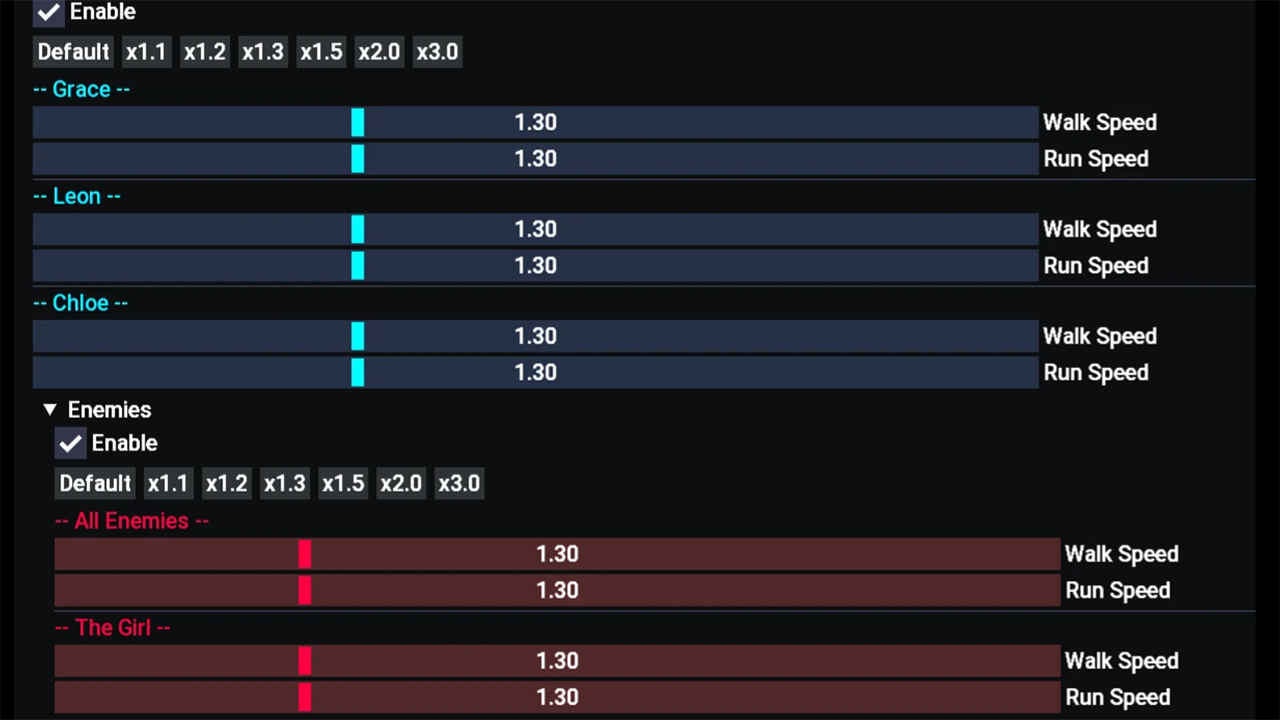
Improves movement speed for both characters. The speed multiplier is adjustable.
Max Stack Sizes by Synthlight
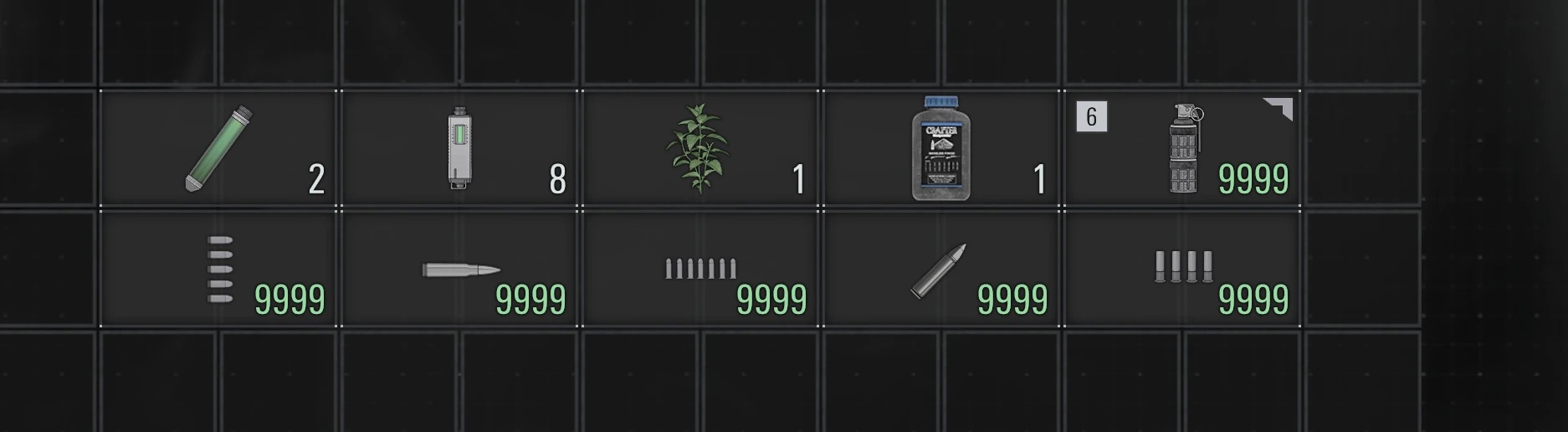
If you like to hoard resources and are annoyed by the arbitrary restrictions on your inventory space, you’re going to love this one. You can either set the maximum stack size to 9999 or multiply the base stack by 2x, 4x, etc.
Collect More Blood- 999-99999 or Multipliers- x2-10 by Synthlight
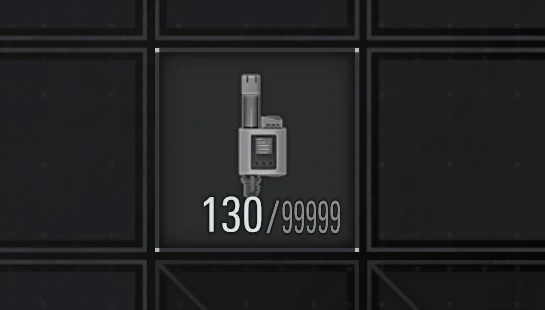
In the Max Stack Sizes mod, one of the caveats is that you aren’t able to stack blood for the Blood Collector. Thankfully, there’s a bonus mod just for that, should you want it.
Easy Parry by OverZ3
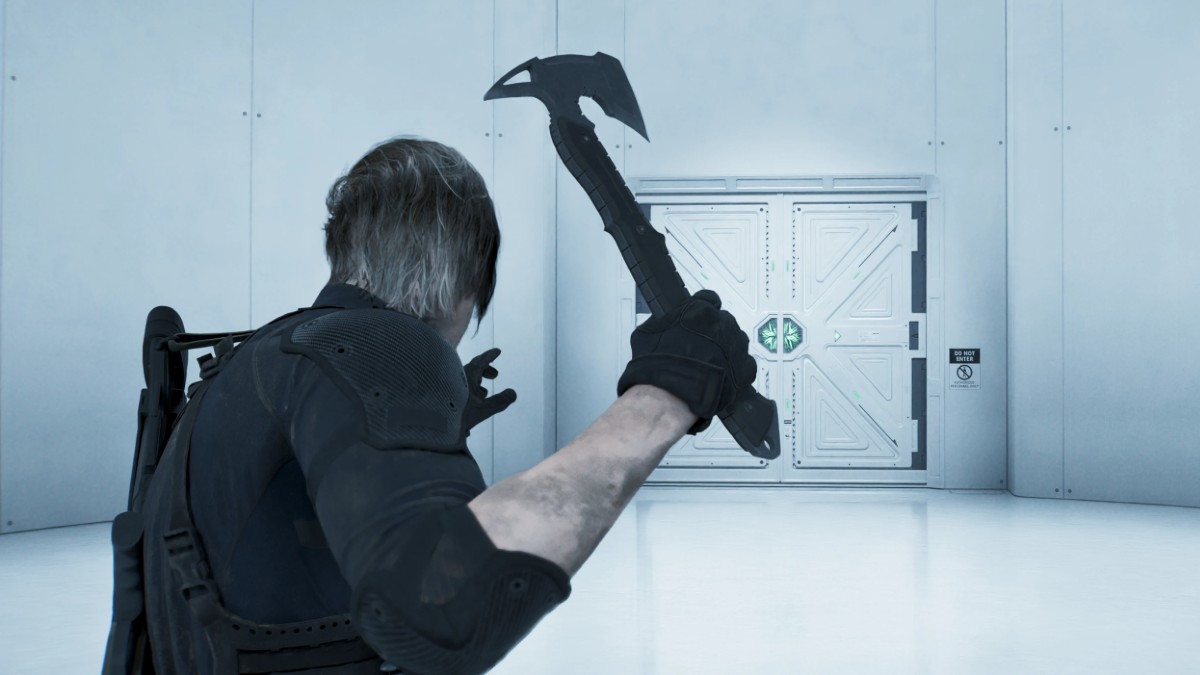
Leon’s parry move is back from Resident Evil 4 Remake, but with the action being a tad sporadic due to Leon sharing story duties with Grace, it can be difficult to get into the groove of it. This mod helps with the action’s timing.
Resident Evil Requiem Cheat Mods
Remove Photo Mode Limitations by NSACloud2 (Cheat Mod)
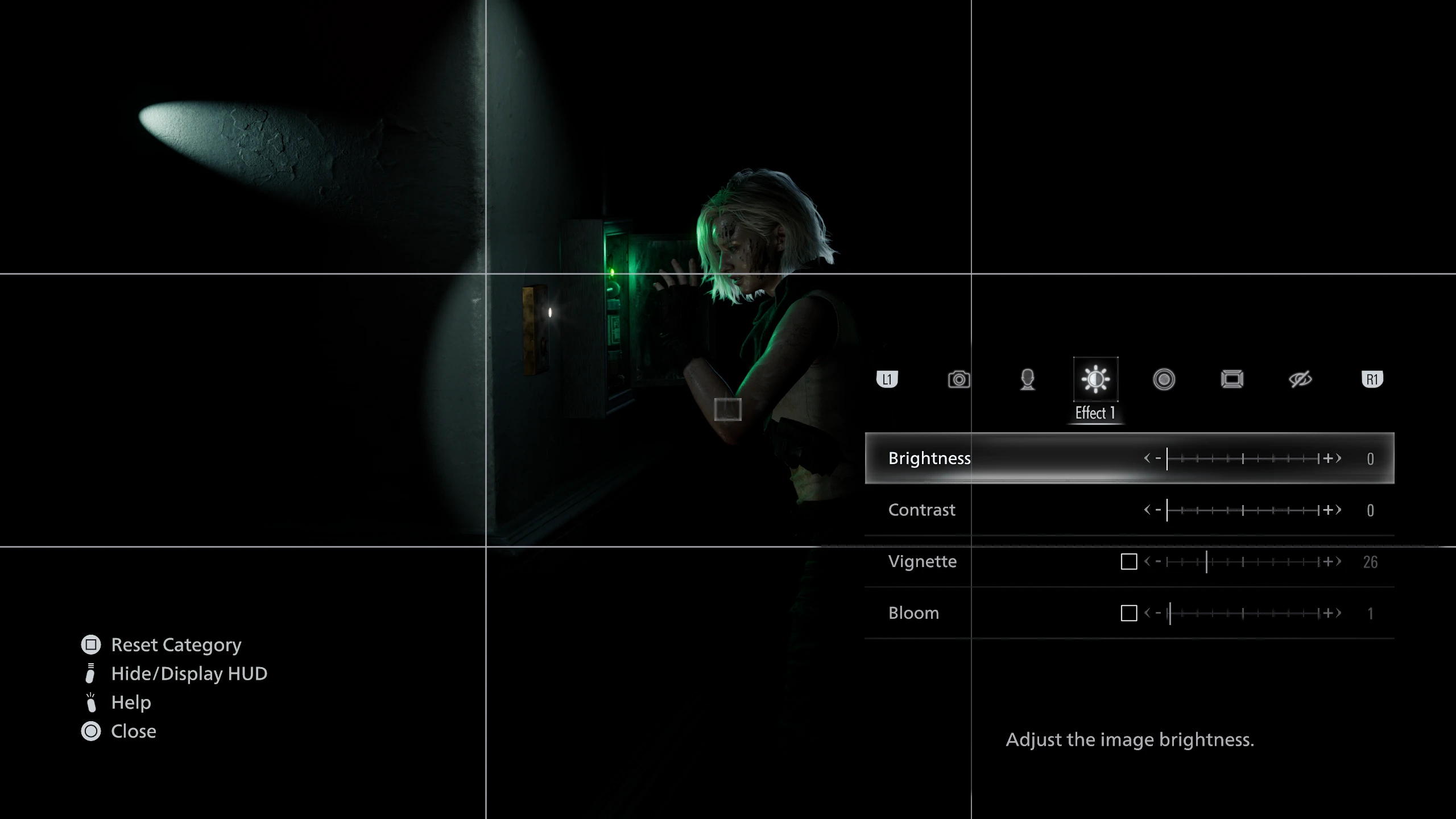
Following the release of the game’s official photo mode, modder NSACloud2 has managed to crack it wide open, allowing players to use without restrictions and even during cutscenes.
Infinite Items by Anasitherah
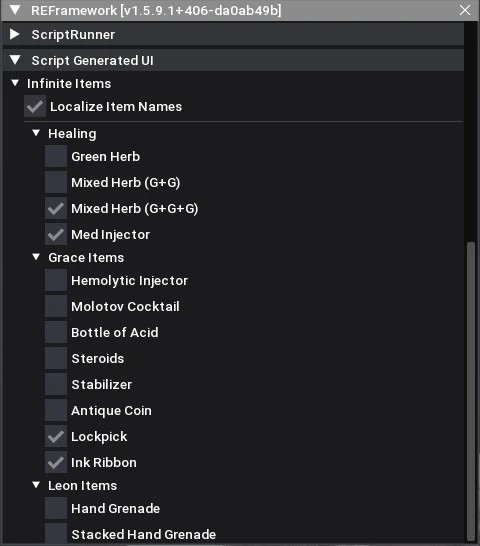
Want to feel a bit safer creeping around corridors as Grace or battling legions of undead as Leon? Well, you can’t get much safer than with an Infinite Items mod.
Infinite Ammo and HP by YunWuLian1
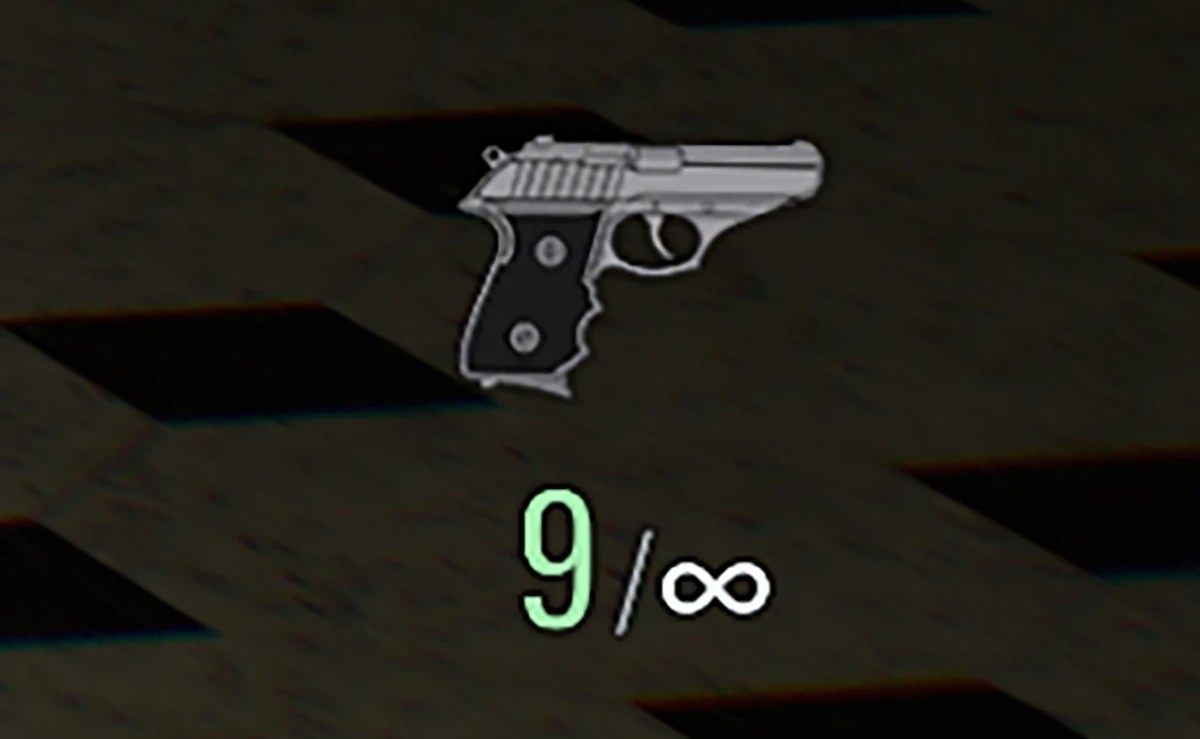
There can be many reasons players would want to use an infinite ammo and HP mod for RE Requiem. The intensity of the horror is too much; the difficulty overrules the curiosity to explore; or the freedom to muck about in a second run is too tempting.
Bonus Content Unlocker by Biohazard12345
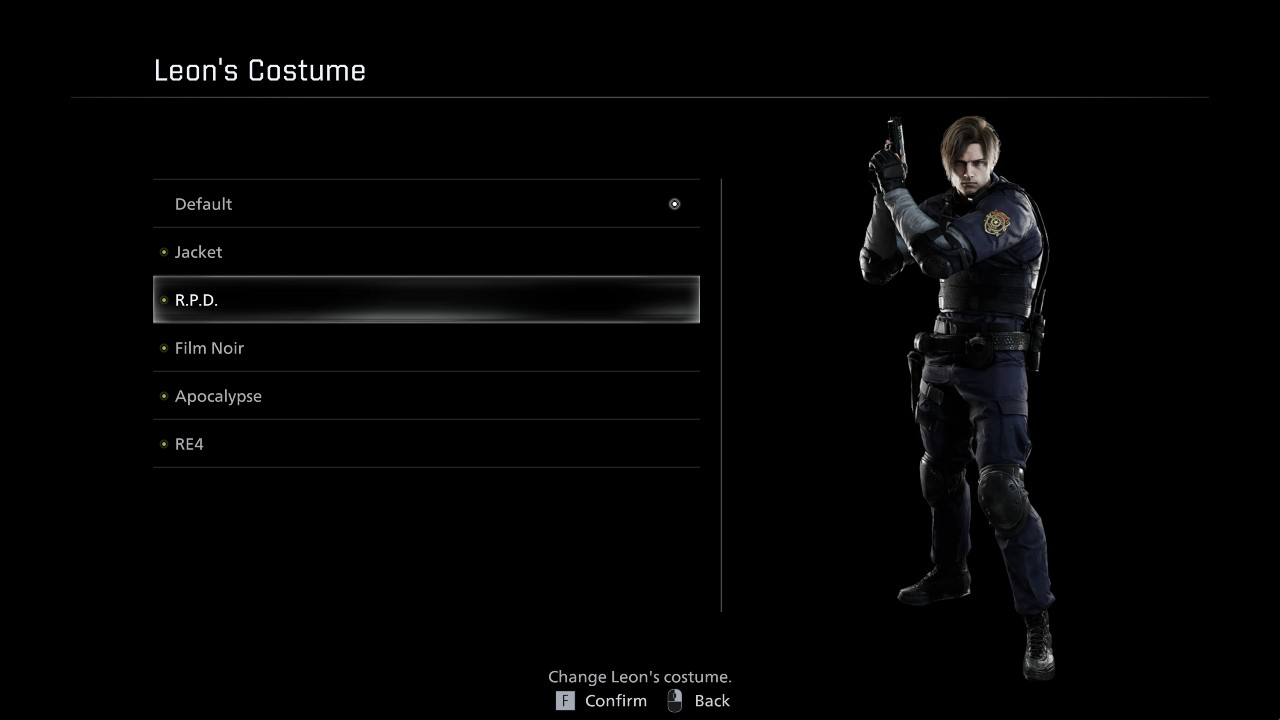
Feeling impatient? Want all those lovely unlocks early? This tempting mod unlocks every weapon, costume, item, model, and piece of concept art in the bonus content menu.
Resident Evil Requiem Character and Weapon Skin Mods
This is where things a get too busy for a single page, especially with images needed to showcase every fun Resident Evil Requiem skin mod we’ve found, so we’d recommend heading over to our dedicated RE Requiem Character and Weapon Skins page to get the full rundown.
Resident Evil Requiem Mods Page Update Log:
- March 19, 2026 – New sections and mods added
- March 27, 2026 – Weekly update and new mods added
Related Resident Evil Requiem Articles:
If we’ve overlooked killer mods you think deserve a spot on our weekly and permanent mod lists, please reach out via the Contact Us page. You can find us on socials too.
For the latest gaming news, follow GameWatcher on BlueSky, check out our videos on YouTube. We sometimes include affiliate links in our posts, which grants us a small commission, thank you. Please support independent Games Media. ❤️