
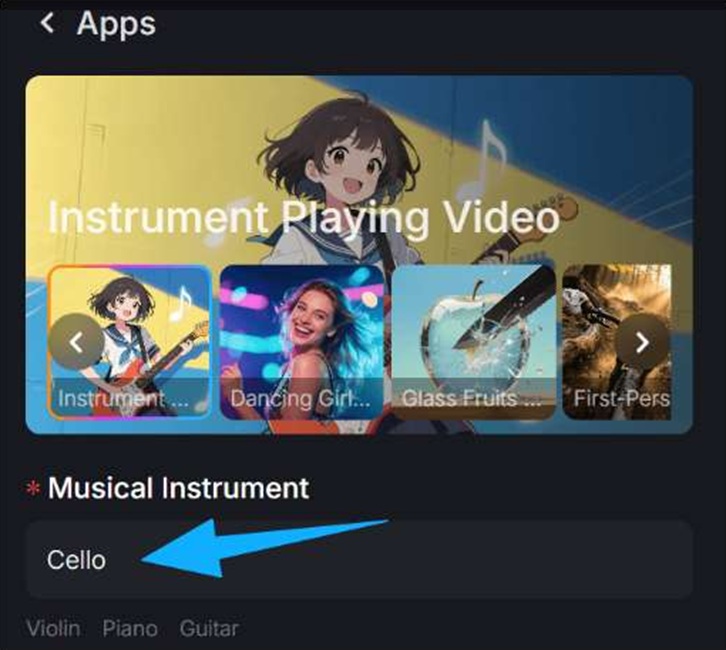
Instrument-playing videos are one of the fastest ways to expose weak AI motion. Audiences may forgive minor visual oddities in abstract scenes, but they notice quickly when a guitar is being strummed at the wrong moment or when a pianist’s hands do not relate to the music. The goal is not always perfect technical musicianship. The goal is believable performance. A practical way to pursue that is through an Uncensored AI Video Generator workflow where posture, visible action, timing, and edit structure are tested deliberately instead of all at once.
1) Choose a performance concept the audience can read immediately
Believability starts with clarity. If the viewer cannot tell what instrument is being played, how the performer is positioned, or what part of the body should be active, the illusion weakens immediately.
That is why certain concepts work better than others:
- – guitar strumming with visible rhythm
- – piano playing with readable hands and keys
- – violin performance with clear bow motion
- – drumming with obvious accent moments
These formats create strong visual expectations, which is useful when building a performance scene.
2) Use framing that supports credibility
A common mistake is cinematic framing that hides the crucial action. Beautiful lighting cannot save a performance shot if the audience cannot see the hand, stick, bow, or body movement that should match the sound.
Good framing often means deciding what viewers most need to believe:
- – the hand-to-instrument relationship
- – the overall posture
- – the emotional expression
Different shots can emphasize different things, but at least one of them needs to anchor the performance logic.
3) Prioritize the major musical beats
You do not need every micro-movement to be technically perfect for the video to work. In many cases, viewers judge realism from a handful of highly visible cues:
- – a guitar downstroke on the beat
- – a piano accent matching a chord hit
- – a bow stroke that aligns with a sustained phrase
- – a drum strike landing where the ear expects it
If these moments line up, the brain often forgives smaller mismatches elsewhere. That makes them the smartest place to focus your effort.
4) Build the scene around the performance mood
Music performance videos feel stronger when the visual world reflects the emotional tone of the track. A quiet piano performance may need intimate lighting and measured camera movement. An aggressive guitar section may call for sharper cuts and more stage energy.
This does not only improve aesthetics. It helps the audience accept the performance because the scene feels emotionally aligned with the sound.
5) Use coverage to your advantage
One reason live music videos work so well is that they do not rely on one angle for everything. Coverage helps hide weak moments and emphasize stronger ones. AI instrument videos benefit from the same thinking:
- – medium shot for posture
- – close-up for hand action
- – wide shot for stage presence
- – atmospheric inserts for pacing
Coverage gives the edit flexibility. It also reduces the pressure on every single shot to carry the entire illusion.
6) Treat editing as part of the realism
Believability is not created only during generation. Editing plays a major role. Strategic cuts can align the strongest visible motions with the most important musical moments. They can also hide transitions, reduce attention on weaker frames, and create performance energy.
A good edit asks:
- – what should the audience notice here?
- – where is the clearest motion beat?
- – when should we cut to emotion instead of mechanics?
That decision-making often matters more than chasing impossible full-length precision in one uninterrupted shot.
7) Use expressive body language, not just technical action
Musicians do not only move to create sound. They also perform emotion, focus, and rhythm through posture, face, and body timing. That expressive layer is part of why some instrument videos feel alive while others feel robotic.
If the performer always looks neutral, the scene may feel empty even when the mechanics are decent. Expression gives the performance identity.
8) Test short phrases before full songs
Just as with dance videos, it is smarter to validate the concept on a short musical phrase first. A 5 to 10 second section can tell you a lot:
- – does the posture feel right?
- – do the key visible beats line up?
- – does the mood read clearly?
If the answer is yes, then expand. If not, you can fix the concept before sinking time into a longer edit.
9) Start from a strong visual anchor when possible
How to keep music and visuals aligned through revisions
The most useful revision pass in music-driven work is not “make it prettier.” It is “make it land where the song lands.” Rewatch the draft and note where the emotional release should occur, where the phrasing changes, and where the performance should feel closest to the viewer. Those are the sections that deserve the most editorial attention. In many cases, the fix is not a new scene at all. It is a better hold before the chorus, a more readable close-up, or a cut that follows the phrase instead of fighting it. Treat the track as the structural guide and the visuals as the layer that should amplify that structure. That mindset usually creates much stronger results than chasing isolated impressive moments.
Build the final cut around the emotional peak
A lot of revision energy gets wasted on small decorative details when the real issue is structural. In music-led content, the better question is whether the emotional peak of the song is also the visual peak of the edit. If not, the piece often feels disconnected no matter how beautiful the individual shots are. Strong final cuts usually make one or two sections carry most of the emotional weight and let the other sections create setup, contrast, or release around them.
Sometimes the best way into the format is through a carefully designed portrait, stage still, or cover frame that already defines the performer, lighting, and mood. In that case, a controlled image to video step can help introduce motion while preserving the visual identity that makes the performance scene compelling.