

Moonlight Peaks console commands and cheat mods could be crucial to living your best undead life in the supernatural farming sim.
As a vampire mingling in a community of werewolves, mermaids, and witches, life can be pretty busy, especially when you throw in the farming of mystical crops.
Thankfully, there’s always a way to make your virtual life easier, and on PC, console commands, cheats, and mods are pretty much always options.
Moonlight Peaks Cheat Mods
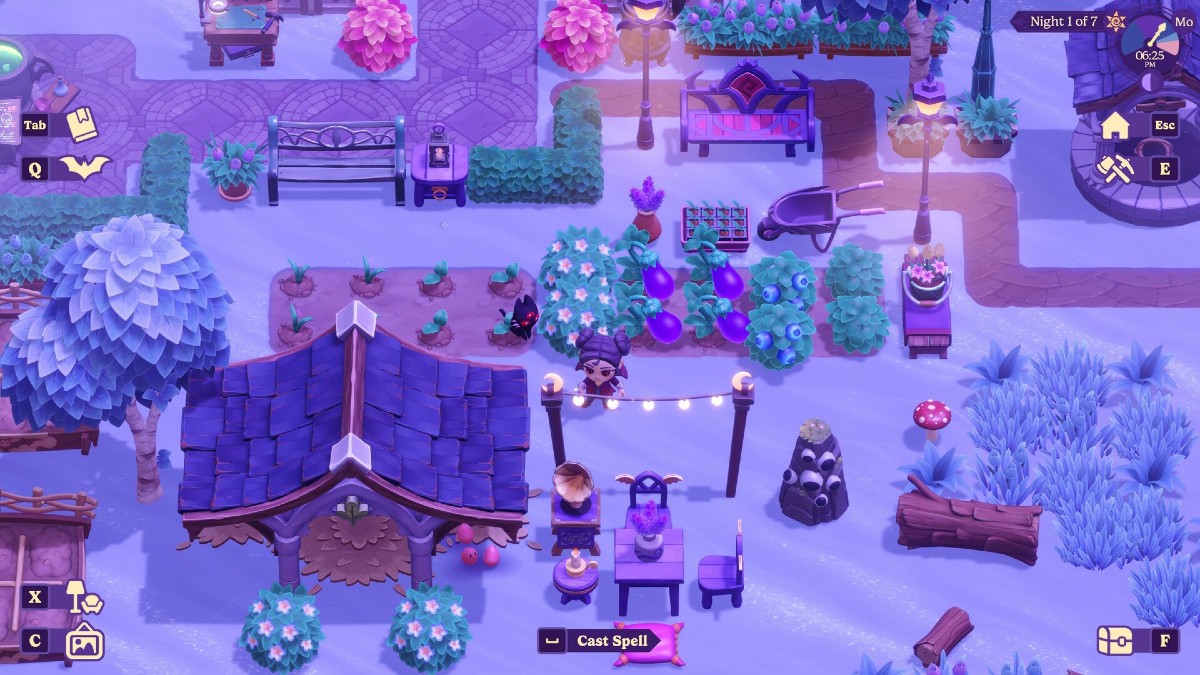
We’ll have to wait until launch to see if there are official Moonlight Peaks console commands and cheats, but on Nexus Mods, a few cheats are already available.
Yes, thanks to the power of cheat mods on Nexus Mods, you can start Moonlight Peaks with a few handy helpers.
Below you’ll find the cheats, links to download them, and instructions on how to install them.
Faster Crop and Resource Growth
-
Place the BepInEx folder into your Moonlight Peaks game directory.
-
Launch the game – crops and harvestable resources will now grow and regrow twice as fast.
-
The effect is applied automatically.
-
No configuration is required.
-
Applies to both crop growth and resource regrowth.
-
Can be removed at any time by deleting the mod files.
Infinite Energy
-
Place the BepInEx folder into your Moonlight Peaks game directory.
-
Launch the game – your energy will now remain infinite.
-
The effect is applied automatically.
-
No configuration is required.
-
Can be removed at any time by deleting the mod files.
Consume All Items Stack Button
-
Install BepInEx 5 (64-bit) for Moonlight Peaks.
-
Drag the contents of the zip into your game folder (where Moonlight Peaks.exe is located)
Energy Multiplier
-
Install BepInEx 5 (64-bit) for Moonlight Peaks.
-
Drag the contents of the zip into your game folder (where Moonlight Peaks.exe is located)
To change the multiplier level
-
Start the game once.
-
Close the game.
-
Open this config file: Moonlight Peaks/BepInEx/config/com.lockyaw.moonlightpeaks.energy_multiplier.cfg
-
Find the multiplier setting and change the number. Each .5 represents 50%
For more on Moonlight Peaks, check out our list of NPCs in the game.
For the latest gaming news, follow GameWatcher on BlueSky, check out our videos on YouTube. We sometimes include affiliate links in our posts, which grants us a small commission, thank you. Please support independent Games Media. ❤️