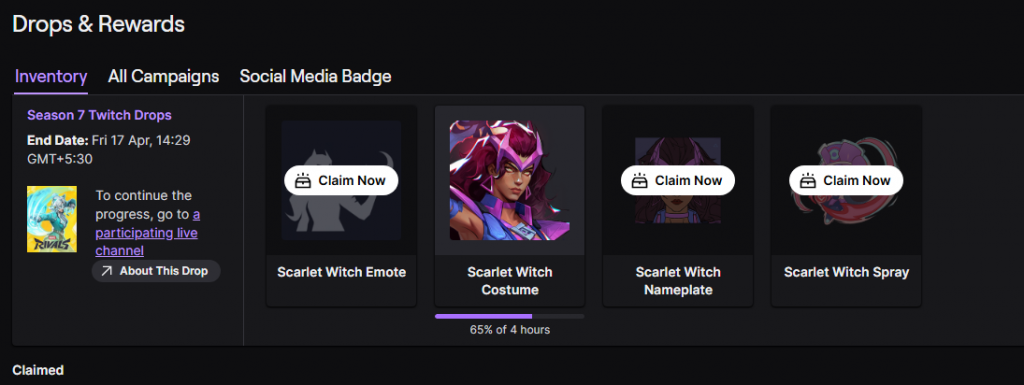
NetEase is constantly giving away free stuff to Marvel Rivals players via the Twitch Drops feature, but you’ll need to connect your Marvel Rivals account with Twitch to be able to claim them.
With every major seasonal update, Marvel Rivals players get the opportunity to grab a bunch of free cosmetics in the form of Twitch Drops. These free rewards range from emotes, nameplates, and sprays to full-fledged character skins that you can equip and show off in-game.
You can grab these free Marvel Rivals skins by watching your favorite streamer play the game, or by simply staying AFK in any drop-enabled channel for a couple of hours.
However, in order to be eligible for these Marvel Rivals Twitch Drops, you’ll have to make sure that your Twitch handle is connected to your Marvel Rivals account first.
How to Link Your Twitch and Marvel Rivals Accounts
Fortunately, linking your Twitch account with your Marvel Rivals ID is extremely simple and takes no more than a few seconds.
Before starting, make sure that you actually have a Twitch account. If you don’t, you’ll have to sign up on Twitch first.
Once you have both your Marvel Rivals ID and Twitch account set up and ready, follow these steps to link them:
- Under “Step 1,” log in with your Marvel Rivals account via the platform of your choice.
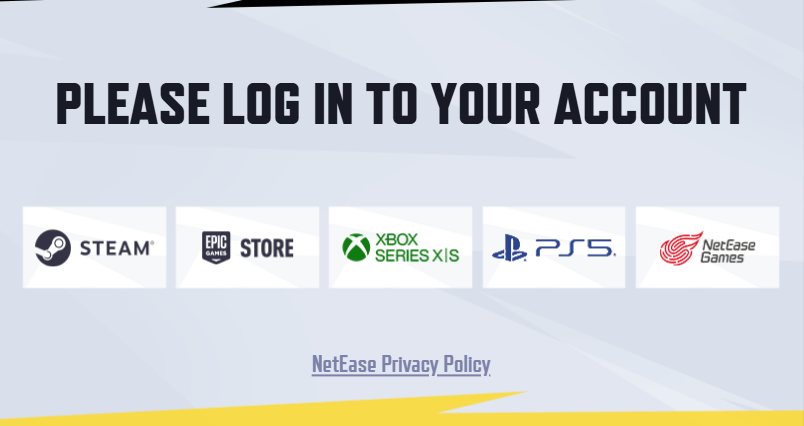
- Under “Step 2,” log in with your Twitch account.
- Once done, your Twitch and Marvel Rivals accounts should be connected.
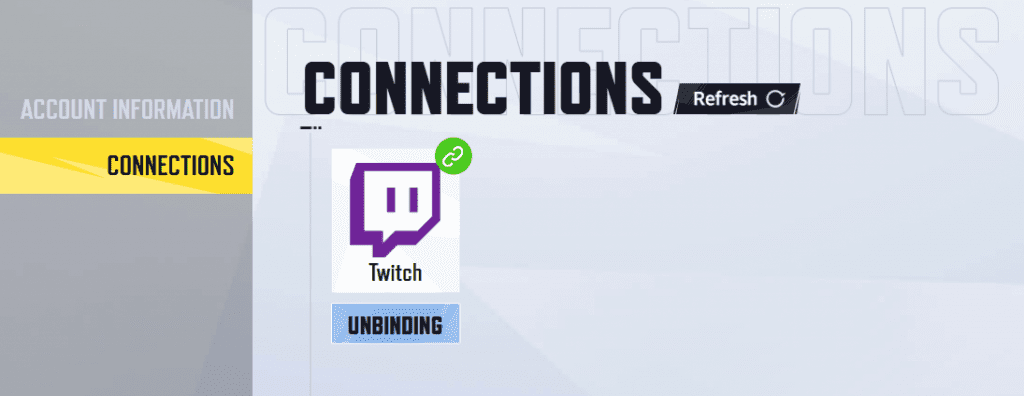
Now, all that remains for you to do is watch any drop-enabled Marvel Rivals stream on the platform and wait for a notification. After you receive a Twitch drop, you’ll be able to click on the notification to claim your reward, which will be directly sent to you via the in-game mailbox.
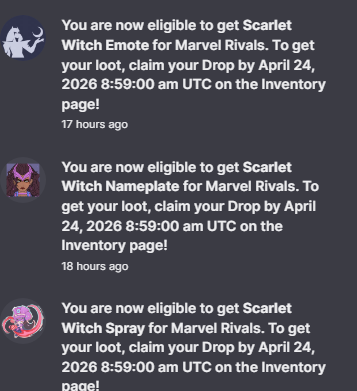
Alternatively, you can head to your Twitch Drops inventory to directly claim your rewards from there.