
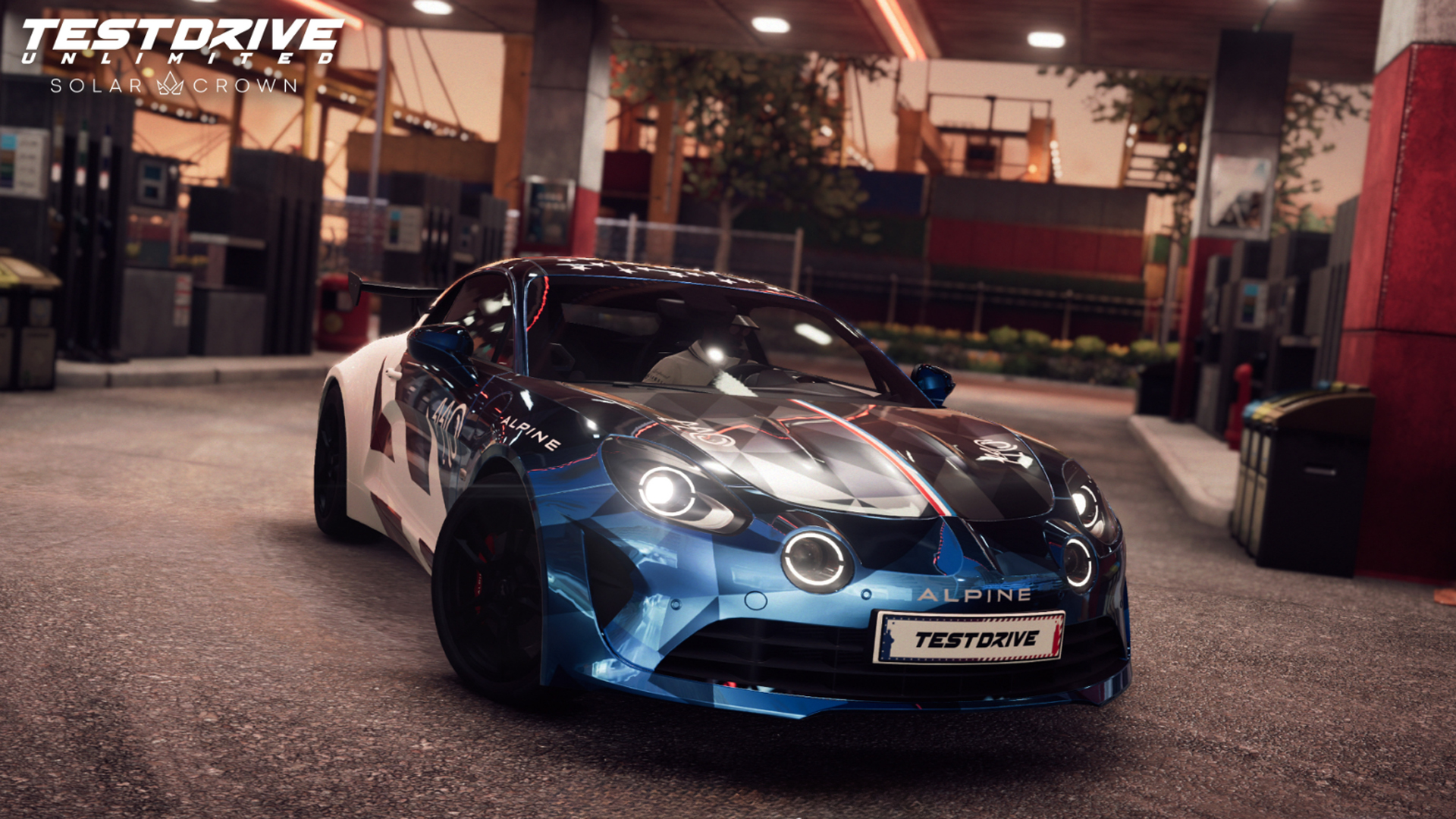
Both in terms of fidelity and consistency, thanks to a suite of fixes, optimisations and dynamics resolution.
Test Drive Unlimited Solar Crown’s latest update has been released today, 10th February 2026, and while it may not include a long list of fixes or new features, it does include what is touted as significant improvements.
Principally, these are to visual fidelity and performance, hopefully resulting in a smoother experience, in particular for those on PlayStation 5 and Xbox Series X|S.
In writing, these aren’t particularly exciting changes. For instance, the patch notes begin with ‘optimised vegetation culling’. I’m pretty sure this isn’t the most requested feature alone.
But… when combined with refined vehicle shadows, optimised memory usage, fixes for multiplayer crashes and “improved AI physics” when they slide sideways, it should make a collective difference.
For those aforementioned console players, a potentially significant change is ‘improved’ dynamic resolution. In simple terms, the overall resolution can change during gameplay in order to hit the targeted frames per second. Theoretically, then, you may have dips in pixels – that shouldn’t be too noticeable – to help achieve more stable fps.
Seems like a solid trade-off to us.
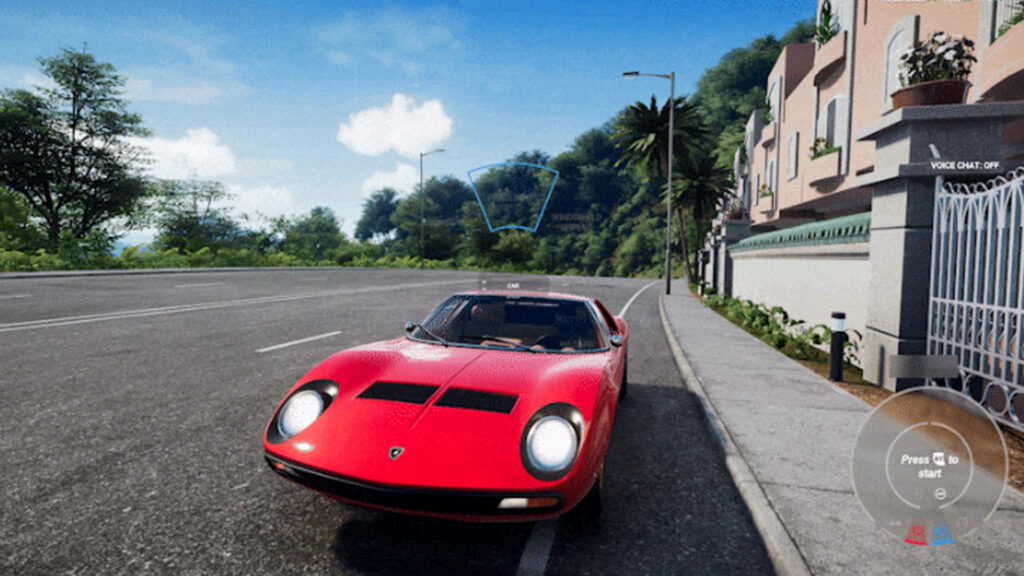
Elsewhere, there are revised Bugatti Chiron wing animations and the Lamborghini Miura’s headlights now correctly tilt upwards upon a flash. Minor changes to steering wheel animations and Logitech wheel support have also been implemented.
The full changelog is noted below. This comes before March’s Season 6, which, among other items, is set to include the Lamborghini Temerario and detective missions.
Test Drive Unlimited Solar Crown Season 5 Update 2 patch notes
General Fixes & Improvements
- Optimised vegetation culling
- Optimised cost of traffic spawn
- Optimised vehicle shadow LODs
- Optimised memory usage
- Fixed onboarding restarting on save with several hundred hours
- Fixed performance issue with Logitech wheels
- Fixed multiplayer crash in workshop and race lobby
- Fixed game crash when leaving the lobby
- Fixed crash when browsing in the online store when the player doesn’t own any vehicle
- Fixed cars falling out of the world if the ‘return to road’ option was used on small objects like bumpers
- Fixed cases where changing vehicle driving mode in a stock live event lobby would prevent players from using that car in the event
- Fixed points of interaction not appearing anymore after two players interacted with the same one exactly at the same time
- Fixed incorrect car displaying in the pause menu during onboarding
- Fixed missing roads on worldmap
- Fixed FRIM not ending when colliding with specific assets
- Fixed wrong weather and surface announced in some race preview panels
- Fixed an issue where avatar and NPC were facing back to the camera when failing a taxi contract
- Fixed several cases of animation not playing during Poker
- Fixed cases when NPCs were clipping with the couch they’re seated on
- Fixed various clothes clipping with the player’s avatar
- Fixed ‘Processing Request’ pop-up persisting on the item’s purchase screen
- Fixed little black boxes sometimes appearing during navigation races
- Fixed AR of some gas station not removed when corresponding setting is off
- Fixed the Personalized Outfits in the wardrobe displays the saved outfits from a different account instead of the character from the current account
- Fixed the character model’s hairstyle appears as ‘Shaved Head’ in the wardrobe after switching from the ‘The Chauffeur’ and ‘1% President’ outfits
- Fixed the player is able to drive underneath buildings in ‘Dalt Villa’ district ‘Ibiza’ due to missing ground assets
- Bohemian outfit corrections
- Boater hat, Crocodile coat and PUMA clothes geometry corrections
- Fixed POI disappearing when trying a world interact at the same time as another player
- Fixed and improved the Alyss Hot Head and other event call outs
- Fixed traffic lights not working in Causeway Bay
- Improved AI physics so that drifts looks more natural
Vehicle Fixes/Improvements
- Exclude turbo upgrade of Dodge Challenger SRT Hellcat
- Fixed Audi E-Tron dashboard not changing gears
- Fixed Lamborghini Miura headlight animation
- Fixed Bugatti Chiron wing animations (for all versions)
Steering Wheels
- Fixed a performance issue for Logitech G920 wheels
- FIxed wheel angle not being correct for some wheels
- Now non-SDK wheels (others than Thrustmaster Fanatec, Logitech) will find the wheel angle slider in options menu grey out and unusable. But can be managed through each constructor steering wheel app.
- Fixed a crash with some non-Trueforce Logitech wheels
- Fixed steering wheel animation in cockpit view when switching from steering wheel to pad or keyboard input (like driving with a steering wheel and using a button to put turn indicator)
Note: Is my old PC, PS3, or Xbox One racing wheel model compatible with TDUSC?
Some older Logitech, Thrustmaster, or Fanatec models are no longer supported by the SDK provided to us each year by the technical support teams of racing wheel manufacturers. If you encounter problems with models dating back to the PS3-Xbox One era or earlier, please use the following solution:
- Go to UserSettings.cfg located in C:\Users\YourUserName\Documents\My Games\Test Drive Unlimited Solar Crown and set Engine.Input.EnableNaconSDK = true; to false.
This will allow your machine to enable DirectInput, the standardized API that will ensure the most basic controls of your steering wheel work.
- Also, make sure you have installed the software provided by the manufacturers (Logitech G Hub; Fanatec Driver; Thrustmaster Drive; Moza Pit House, etc.) in order to configure your settings and update the steering wheel’s firmware and drivers.
Example: the Logitech G27 is no longer supported by the Logitech SDK and now uses the DirectInput system for basic commands, but you can continue to use Logitech G Hub to configure your settings.
Let us know if you have any further issues with your wheel after this update!
PC
- Enabled multiple controllers at the same time.
- Move dynamic probe from high to ultra in “SSR” option
- Fixed players gaining an unfair time advantage through alt-tab while in-game
PS5
- Removed HDR black point and white point options on consoles to directly use console parameters.
- Improved dynamic resolution
Xbox Series
- Removed HDR black point and white point options on consoles to directly use console parameters.
- Fixed game returning to main menu when using a secondary controller after disconnecting the primary one.
- Improved dynamic resolution
Network
- Better Stability and Performance