
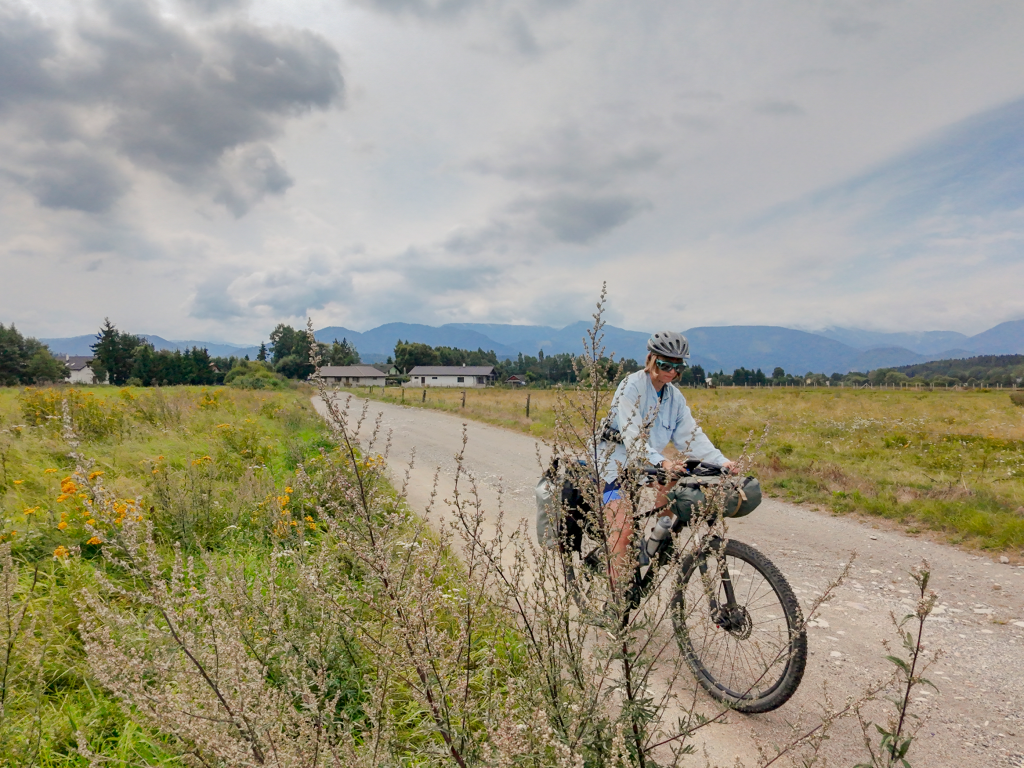
Planning the route is one of my greatest challenging when I am preparing for my cycle tours. If you’ve never been to a country, how are you supposed to know what the roads are like, what infrastructure and traffic to expect and whether that little line on your map is a decent, smooth gravel path or a bumpy washboard track that will ruin your wrists and butt.
Luckily, there are plenty of route planning apps that make finding the most scenic and bike-friendly roads way easier than in the old days, when we had to rely on paper maps and the word of strangers we met on the way. But which one works best? Is it worth paying for pricey premium plans or can you get the same value with the cheaper options?
To help you find the best route planning and navigation app for cycle touring, I prepared this overwiev, focusing not only on available feature but also user-friendliness and reliability that I tested in the field.
This post was originally written in 2022 but a lot has changed since then, so I removed some apps I no longer use and added some new route planners.
How do I plan my route?
First, a little disclaimer. My approach to planning a route for my bicycle tours is pretty lax. I rarely spend hours designing every tiny detail of my trip and creating an exhaustive itinerary.
Instead, I usually pick a few highlights, look up the best bicycle routes in the area, and then try to connect the dots, leaving some room for spontaneous detours, in case the locals tell me about some places worth visiting.
When it comes to daily mileage, I decide it for each trip depending on my current fitness, elevation and type of surface. 80 km on flat asphalt roads is a piece of cake, but on muddy, rocky tracks in the mountains it quickly becomes a demanding day. On longer tours, I typically plan for five or six days of cycling, interwoven with one or two rest days to enjoy a place, go sightseeing, or simply recover. That gives me some buffer for unexpected events.
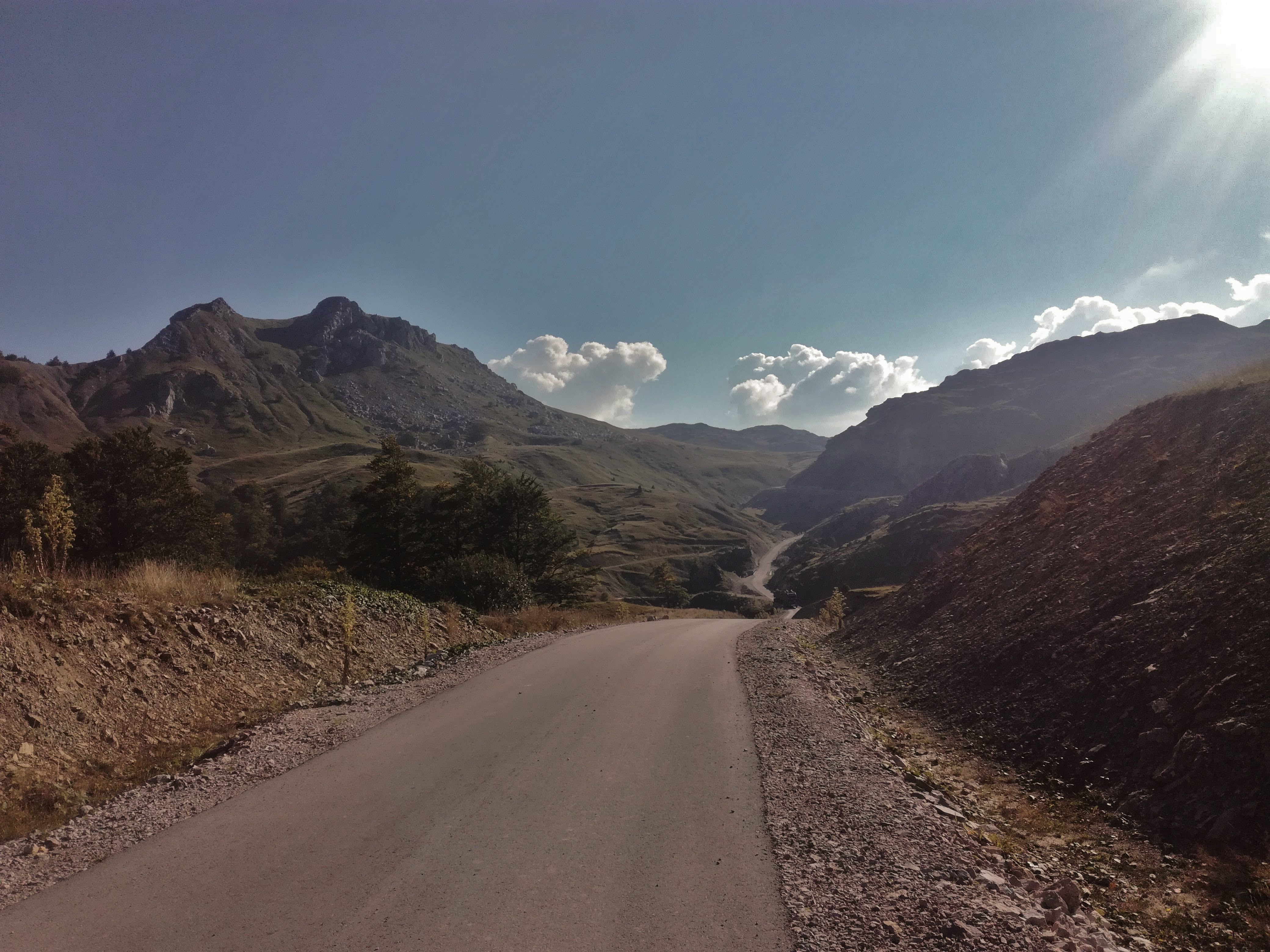
Planning a longer all-summer trip can be quite overwhelming. For this kind of adventures, I simply draft a very general outline of the route, and later plan it in more details three to four days at a time.
Here are the most relevant criteria you need to consider when choosing the right app for navigating your bike tour:
Reliability
Beautiful design, plenty of useful features and user-friendliness all mean nothing if the app notoriously sends you to overgrown, impassable paths or highways where riding a bike is illegal.
I am sure you’ve seen those memes about Komoot sending riders through some very “adventurous” paths. Of course, you should never rely on the directions in the app entirely. Especially in less-travelled areas, the data might be scarce, less accurate or not up-to-date.

Offline maps and routes
There’s no way I’ll go for a cycling adventure without downloading the maps of the area offline. It saves me the mobile data and, more crucially, I don’t end up stranded in the middle of the mountains, with no cellular reception and no clue where to go.
Map layers such as cycle routes
Some people like to create their own routes from scratch, others prefer taking an already established official route. Having a map view that shows you cycle routes with their names is super helpful.
I also enjoy having additional information such as hiking routes (sometimes you want to spice things up and go hiking on your rest day).
Points of Interest
A good navigation app makes it easy to find a campsite, groccery store, restaurant or a water source along the way. It should also help you find interesting places to see, such as an impressive waterfall, a strange monument, or a niche local museum.
In-browser route planning
During my trips, I create my route entirely on my phone. But during the planning stage at home, I definitely prefer a bigger computer screen. I simply hate doing bigger tasks on my phone, so a route planner that works in a browser is a must.
Most of my tours have taken place in Europe, so I can only speak for the reliability of these apps in this part of the world (+ in Kyrgyzstan). I discussed this topic with many other cyclists and tried to include their opinions on these apps in other places as much as possible.
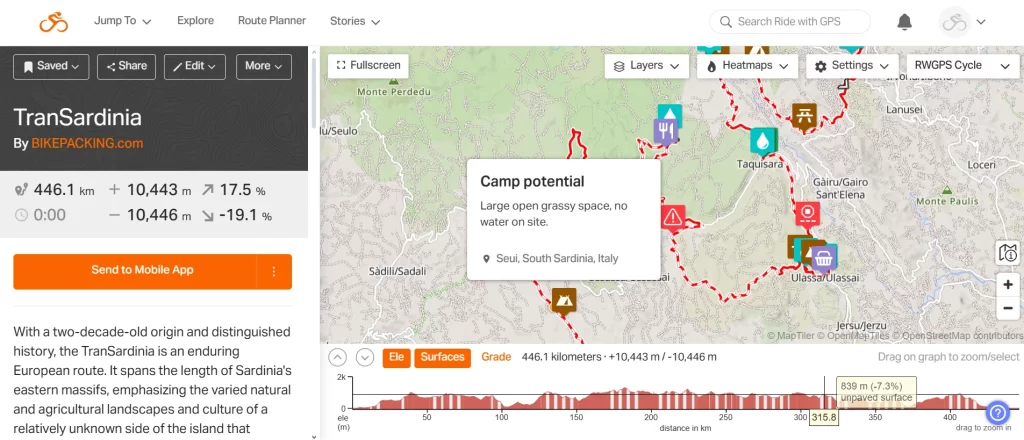
Ride with GPS
Founded in 2007, Ride with GPS is one of the oldest route planners for cyclists. It allows you to plan your multi-day adventure down to the last detail.
It’s a popular app, especially in the bikepacking community. I particularly love its social aspect: Ride with GPS makes it effortless to share your routes, and you can add custom points of interest (for example, water sources, campsites, and shops). That makes planning your adventure so much easier!
The main issue with Ride with GPS is the price for the premium version: with 79,99 USD annually, it’s the most pricey app in this breakdown. There is also a cheaper basic version: 59,99 USD per year. The free version doesn’t have all the fireworks that make Ride with GPS stand out, but it’s still functional, allowing you to save your routes offline and access essential planning functions in the browser.
| Pros | Cons |
|---|---|
| You can create a detailed route with custom POIs and waypoints – it’s often used cycling creators (for example bikepacking.com, and race organisors | The premium version is expensive |
| It’s easy to split the route – great for planning each stage of a multi-day cycle adventure | It’s impossible to create a new route when offline. |
| Many layers, including my favourite OSM Cycle, where you can preview existing cycle routes | |
| Detailed surface and elevation information, easy Google Streetview preview to check how points look in real life | |
| A huge community-created route library | |
| Global heatmaps allow you to find the most popular routes in an area and cycle-friendly roads |
Komoot
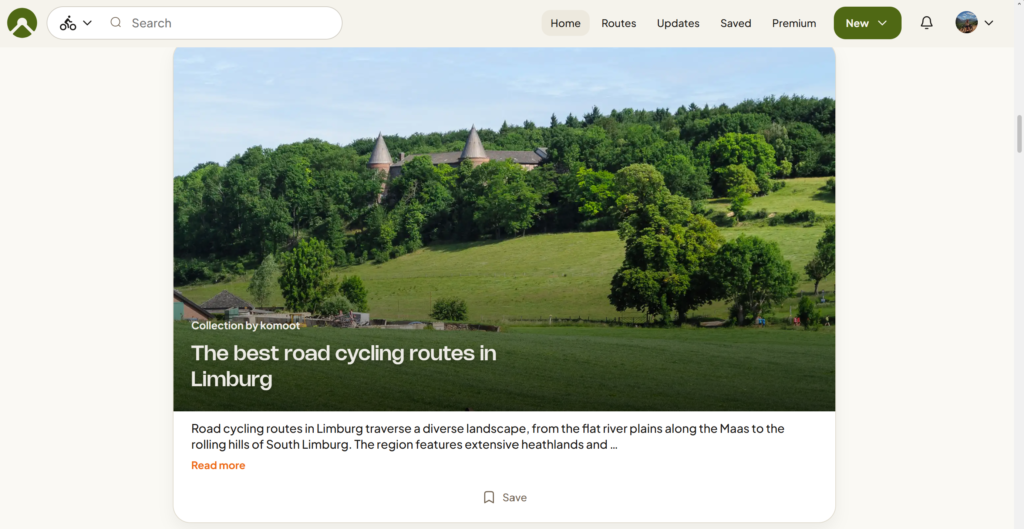
For years, Komoot has been the go-to app among most of my bike touring friends. I always had mixed feelings with it: something about the interface didn’t feel right, so I often ended up planning my routes in other apps. But I always loved the community features that make it easy to share your routes and find inspiration for new trips.
In less-travelled places, however, Komoot is notorious for choosing weird detours through fields, bumpy roads or non-existing trails.
Since its acquisition by Bending Spoons in 2025, many users have also been complaining about gradual enshittification of the app. The company laid off a lot of staff, and removed some features. The option one-off payment for offline maps of the entire world is gone (luckily, they didn’t take it away from existing users, so I still have access to mine), and every time I open the app, I am welcomed by a pop-up encouraging to subscribe to premium. Currently, the premium subscription costs 59,99 USD/EUR.
I still use Komoot occassionally (especially to find nice one-day-routes nearby), but way less often than before.
| Pros | Cons |
|---|---|
| A rich library of community-created routes and collections with photos, allowing you to find the best routes in your area | It’s impossible to plan a new route in the app when offline (even when the map of the region is saved offline |
| Multiple cycling modes (cycling, road cycling, gravel biking, enduro and mountain biking) allow you to find a route that best suits your style | The new version of the app is less user-friendly and intuitive |
| Detailed information on way types and surfaces | Official cycle routes aren’t marked on the Komoot map (you can see them on the OpenCycleMap layer, but the view is unclear and unavailable offline). |
| Compatible with most popular models of bike computers (Garmin, Wahoo, Sigma, Lezyne, Hammerhead and more) | It’s no longer possible to buy offline maps, the premium plan is the only option now |
| Highlights with photos, useful to find interesting places | |
Mapy.com (formerly mapy.cz)
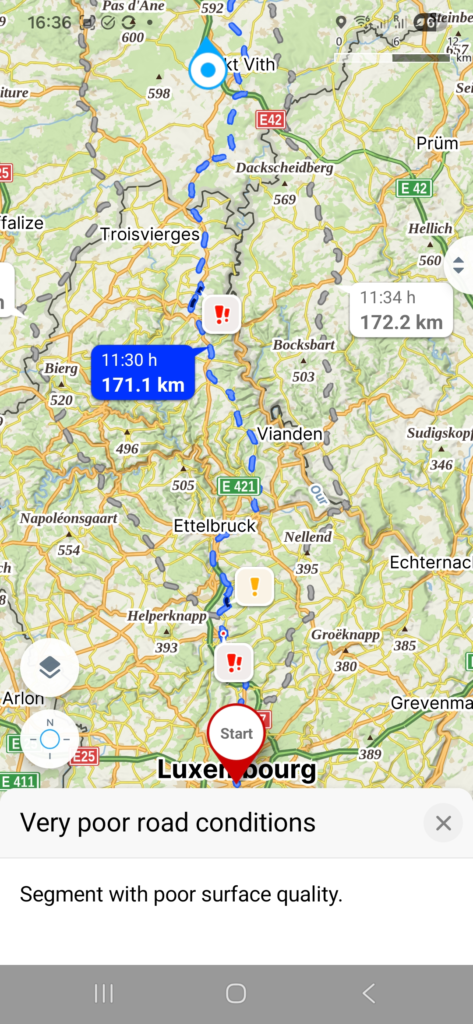
For years, the Czech app mapy.com has been one of my favourite tools to plan cycle tours. It’s super simple, you can plan a new route even without internet access (provided you downloaded offline maps, of cours), and there are multiple cycling modes (as well as other activities).
Even the free version is pretty usable (although it restricts downloading offline maps to one country), but even the premium subscription is way more affordable to popular apps like Komoot and Ride with GPS. It only costs 18,99 euro per year.
| Pros | Cons |
|---|---|
| Many map layers, including the outdoor layer where you can see existing cycle routes | The elevation data is often inaccurate. |
| Affordable premium version and a usable free version | No information about route surface |
| You can plan a new route without internet access (as long as you have downloaded the map offline) | |
| Multiple planning modes (cycle touring, road biking, gravel cycling, MTB) | |
| Many POIs (accommodation, shops, restaurants) | |
| Warnings about obstacles, potentially bad route surface etc. along the planned route |
Veloplanner
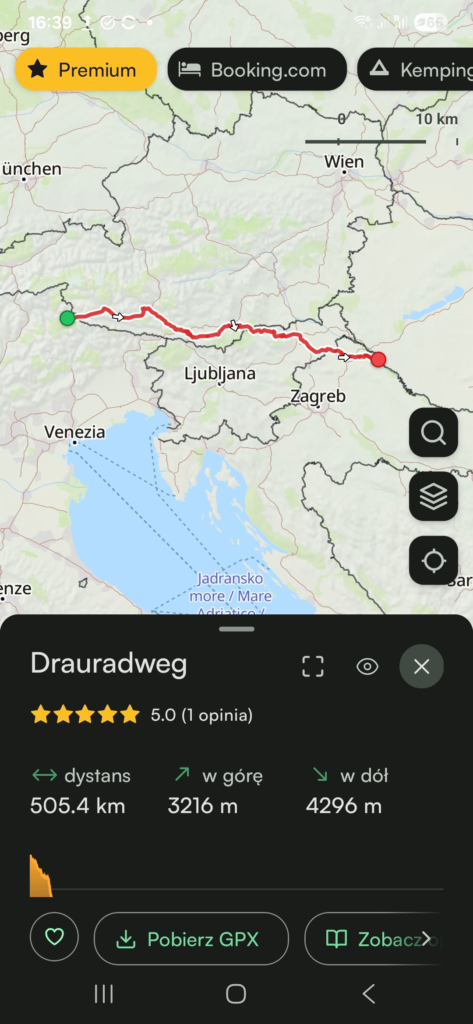
Veloplanner is quite a new project, independently developed by a Polish cyclist Kacper Goliński. What sets it apart from other navigations I mentioned here is that, beyond traditional route planning functions, it features a collection of existing official cycle routes. So if you want to ride one of the Eurovelo routes, or the popular Alpe Adria trail, you don’t need to import the gpx-file into your app – it’s already there, with all the route surface details and photos or reviews added by the users.
The app if also full of POIs and other useful features such as dividing the route into stages. The free version is quite functional, but to access offline maps, satelite view and other advanced functions, you need to buy premium. It’s still one of the most affordable apps – 29,99 euro per year.
| Pros | Cons |
|---|---|
| A big database of verified official cycle routes that you can easily add to your planner | Still under construction, so the social features are not that developed yet |
| Great POIs (accommodation, shops, restaurants, campsites) | |
| You can divide the route in sections – great for planning a longer adventure | |
| Multiple planning modes (cycle touring, road biking, gravel cycling, MTB) | |
| An independent app – worth supporting if you were disappointed by the VC-takover of Komoot | |
| Information about route surface and road type presented in a clear way |
Cycle.travel
Cycle.travel is another small, independent project, with no big funding and no greedy shareholders behind. It’s built by cyclists for cyclists.
I like its simplicity and the focus on the needs of cycle tourers. You can plan your route, find a place to stay and add your personal POIs.
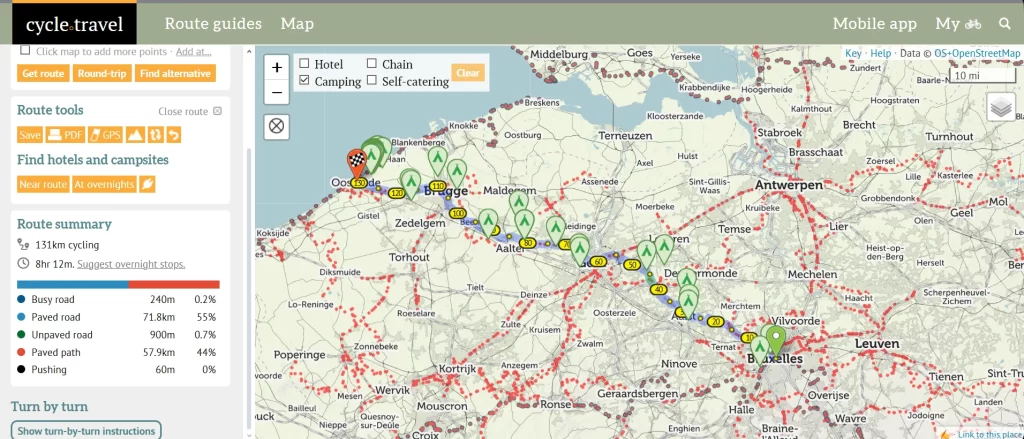
The in-browser route planner is not overly complicated, but it is equipped with all the necessary features, including the route surface overview, several cycling modes (gravel, paved, routes, and night), and the ability to export the Gpx file.
Offline routes are completely free, so cycle.travel is a great option if you are on a tight budget.
Most features are free of charge but you can support the creators on Patreon and get access to additional features such as satellite maps, weather forecast and more.
| Pros | Cons |
|---|---|
| Most features, including offline routes, are available for free | Not the prettiest interface |
| The map features official cycle routes | Route planning not available offline |
| Multiple cycling modes | Not all cycling modes are available in all regions |
| POIs useful for cycle touring (hotels, campsites, shops, e-bike charging stations) | |
| An independent app, with no big corporation behind | |