
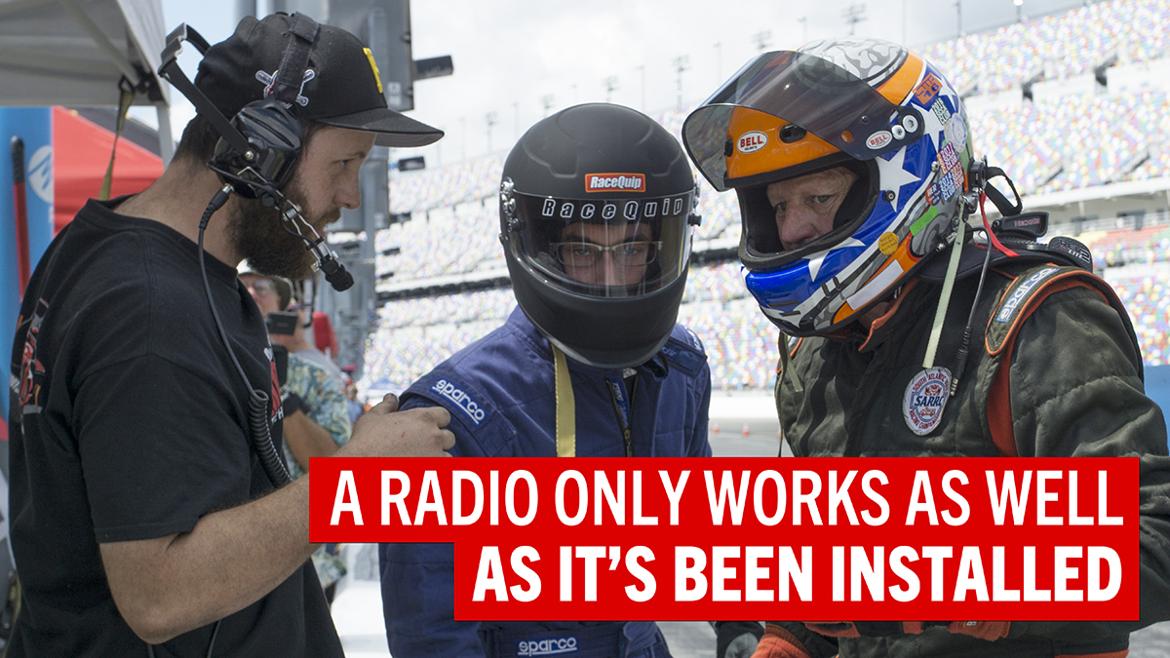
A radio communication system only works as well as it’s been installed. The biggest issue seen by Shawn Sampson, president of Sampson Racing Communications, over the past 30 years?
[Is radio communication paramount to on-track success?]
Placement–specifically, placement of the antenna cable.
Pointing out that manufacturers often used to supply a single-sized radio antenna–sometimes as long as 14 feet–Sampson warns that simply coiling it up under a seat or wrapping it around a piece of the interior “basically creates a magnet. All the power goes round and round, and nothing gets dispersed out at the top.”
Instead, try running the antenna cable up or down a door bar or pillar. “Just don’t run it in a loop and zip-tie 90% of it,” he adds.
That’s not to say that well-installed systems can’t have issues. Luckily, troubleshooting a fault is fairly straightforward. Start with the basics: Do the handhelds talk to each other? If you put a headset on, can you hear anyone else?
If all else fails, you can always work backward to find the issue, whether it be a mechanical issue or user error.
An example closer to home? Sampson recalls an issue he ran into while he was out on track.
“We lost communication on a qualifying and I didn’t know I’d lost communication, and they’re trying to talk to me and I’m talking to them,” Sampson recalls. “And so we get back to the pits and they’re like, ‘Shawn, did you hear anything we’re talking about?’
“‘No, not really. Did you guys hear me talking?’
“‘No, got no comms.’”
Luckily, as with so many issues he encounters with customers, the fix was simple: An antenna in the pits had unscrewed itself. Sampson applied a drop of Loctite to the threads, tightened it back up, and everything was good to go from then on out.
“You put fuel in the car, you’ve got the car to the track, you got friends there, you got family. Everybody wants to be there to have a good time,” he adds. “When you have radio and it works properly and you have communication, it’s just part of the process of making your weekend cost-effective.”
“The best thing about a radio system in any track situation is it potentially expands your sphere of awareness to the entire track,” adds GRM Tech Editor JG Pasterjak. “In the car, you only really have knowledge of what’s happening in your field of vision in real time.
“With a radio setup, you have access to all the knowledge that everyone else on that channel has as well,” he continues. “It streamlines your entire process and allows you to focus more on driving.”
Comments

I’ll share my No. 1 tip for radios. Turn them on for best results. For real. I may have learned that the hard way when I spotted for an oval track car.

In reply to J.A. Ackley :
Oh yeah. In our talk, Sampson noted that nine times out of 10, most issues people encounter are something super simple, like forgetting to turn the system on.

As a past Spotter and Engineer in the top 3 NASCAR Series, the most common challenges encountered were:
- Antenna Placement (Pit and Vehicle)
- Channel Selection (Others on the channel)
- Not checking communications before heading on the track
Good Luck

As with TCP, you want a three-way handshake before going out on track so that you can verify both sides can hear each other.
“Radio check.”
“I hear you.”
“I hear you too.”

te72
HalfDork
7/30/25 1:26 a.m.
This radio check thing seems incredibly obvious to me, people don’t do that before letting a track go hot? We check each worker station can hear us before we send the first car out. Same thing goes for road trip caravans…
In reply to te72 :
Hey, to be fair, I was a know-it-all 17-year-old when I forgot to turn it on. 
J.A. Ackley said:
In reply to te72 :
Hey, to be fair, I was a know-it-all 17-year-old when I forgot to turn it on.
“Checking to make sure the radio is on” feels a lot like “restarting the computer.”
No matter how many times I try to convince myself that, no, this is a serious issue and restarting the computer won’t solve the problem, nine times out of 10, the issue disappears after I restart the computer.

I didn’t think it’d ever really be relevant here, but I did just recently finish writing a book on mechanical engineering for antennas. It might be a little on the engineering-y side for this level of the topic, but still relevant. In particular, in regards to the comment above about loctite-ing the antenna: ok if it’s one if it’s just a mounting nut, but could cause it’s own set of issues if it is part of the signal connection.
I am going to put a link for it here, in case anyone is interested (and because I’m pretty proud of it, even if it’s not going to get me a writing position at GRM…)
Maybe for a second edition I’ll include a chapter about making sure to turn it on.
Colin Wood said:
J.A. Ackley said:
In reply to te72 :
Hey, to be fair, I was a know-it-all 17-year-old when I forgot to turn it on.
“Checking to make sure the radio is on” feels a lot like “restarting the computer.”
No matter how many times I try to convince myself that, no, this is a serious issue and restarting the computer won’t solve the problem, nine times out of 10, the issue disappears after I restart the computer.
I think you mean “I power cycled the equipment and resolved your error, that will be $300.”
Displaying 1-10 of 11 commentsView all comments on the GRM forums
You’ll need to log in to post.