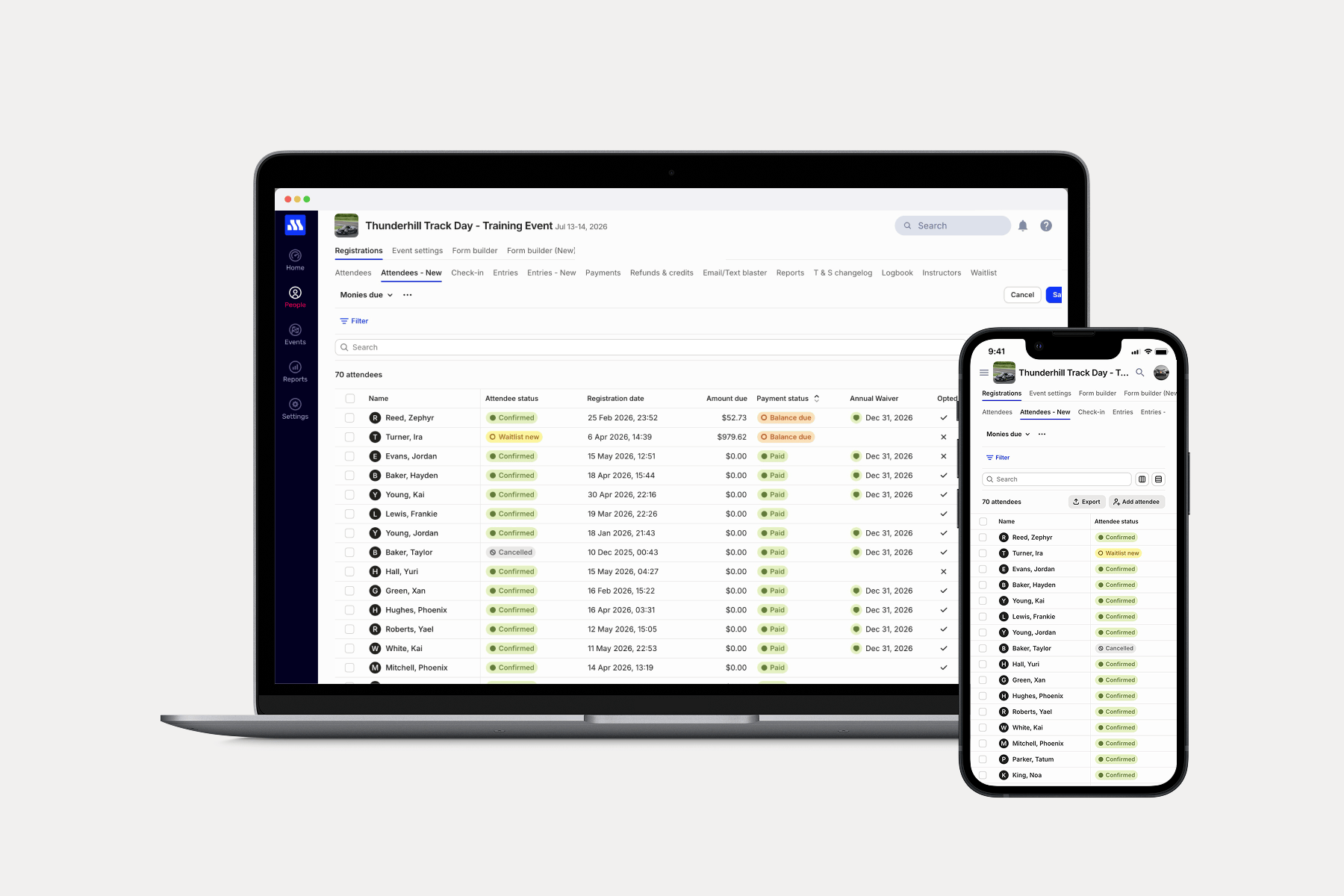
We know that running your events has you juggling hundreds of critical data points — who signed a waiver, who still owes money, what class and group attendees are in, to name a few. We just made all of that easier. Last month, we launched a major upgrade to the People screen with faster, customizable list management. Today, that same horsepower (and more!) comes to your Attendees and Entries lists.
What’s new
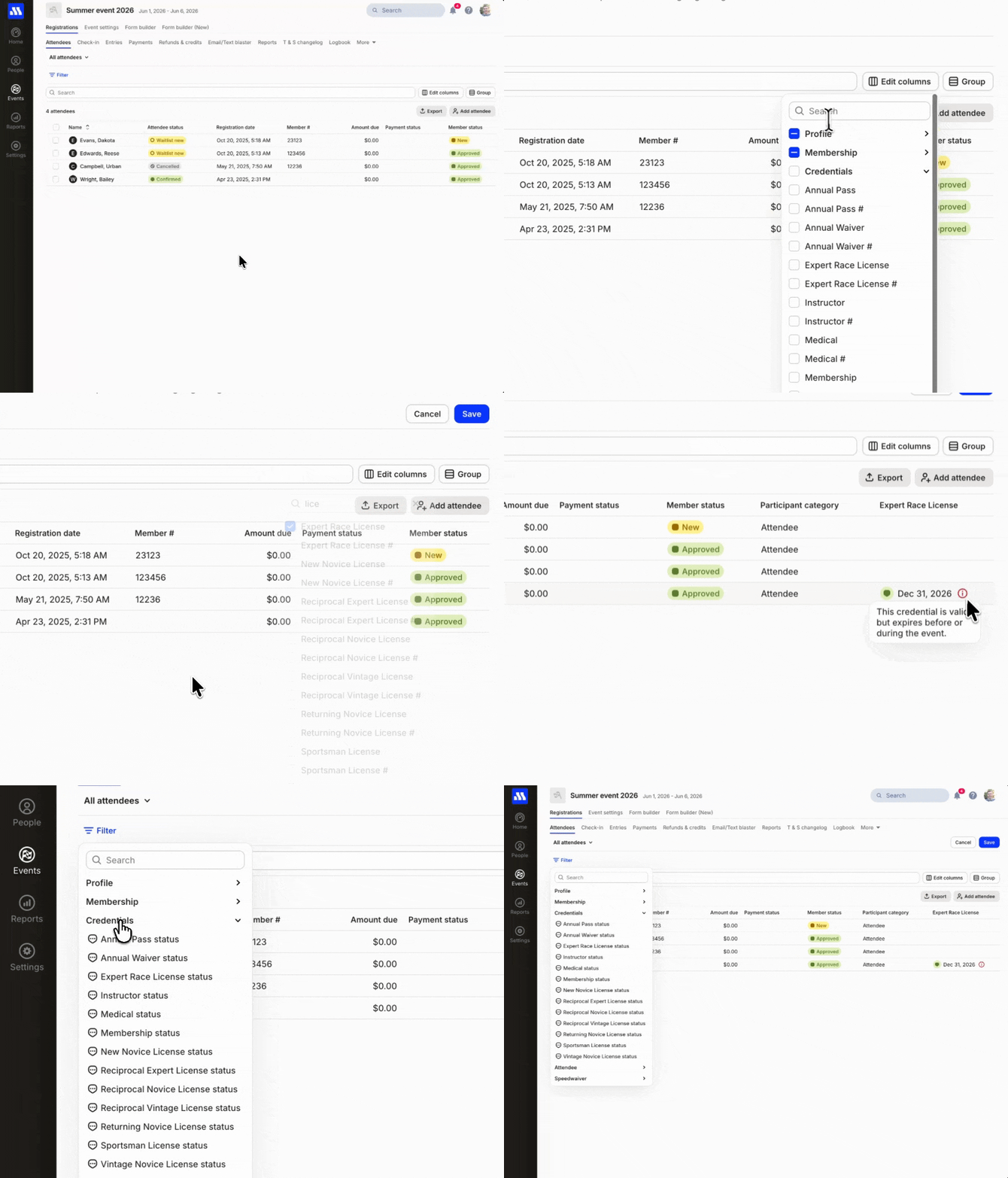
- Credential columns. Know who’s not current before they show up at the gate. You can now see, and filter by, memberships, licenses, and Annual Waivers right inside your Attendees and Entries lists.
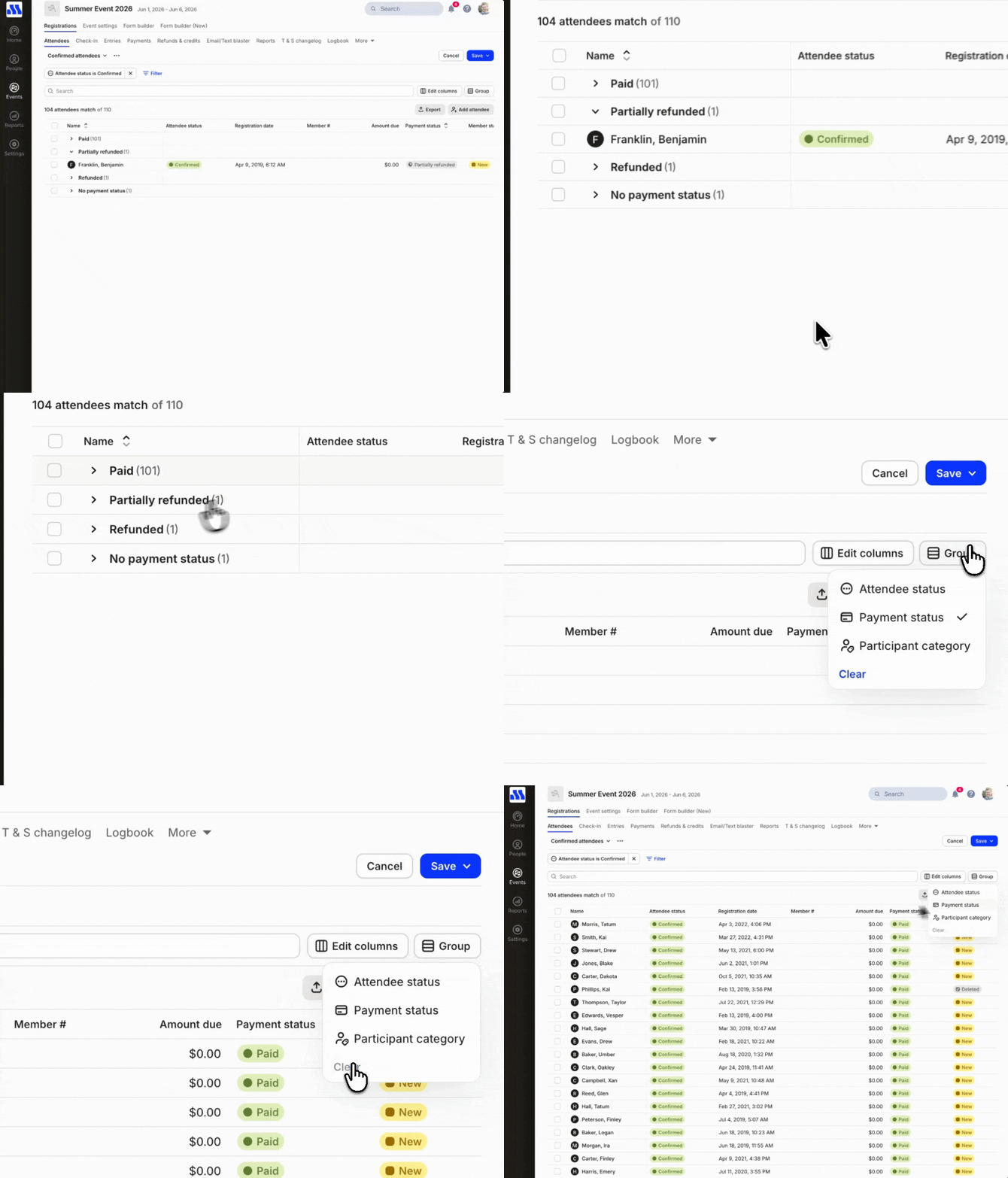
- Group by what matters to you. Cut through event day noise by organizing your lists by whatever you want. Payment Status, Class, Group, and more. One click and it’s there.
- Faster than ever. All of this at light-speed. Adding columns, applying filters, sorting — it’s all instant and in real-time. Say goodbye to the dreaded “loading kart”!
Views
Views let you create and save a list exactly the way you need and like it — with specific columns, filters, and groupings. Build it once, save it, and it’s there every single time. No rebuilding from scratch, no generating a report. Just open your saved View, and see it exactly how you need it.
Views across your organization
Views are now available to others in your organization by default, allowing them to use the same Views without needing to recreate them. Any updates made to a View are automatically reflected for everyone in the organization.
Group by what matters
The Attendees & Entries screens can now be grouped by columns like Payment status, Class, Group, etc to organize your lists and provide counts.
Credential columns
You can now view and filter by credentials in both Attendees and Entries. This enables you to see whose memberships, licenses, or annual waivers aren’t valid before event day.